AI coding assistants: A grounded take on the current hype
AI coding assistants are changing how we write code, but are they worth the hype? Learn how to integrate LLMs into your workflow without losing your edge.
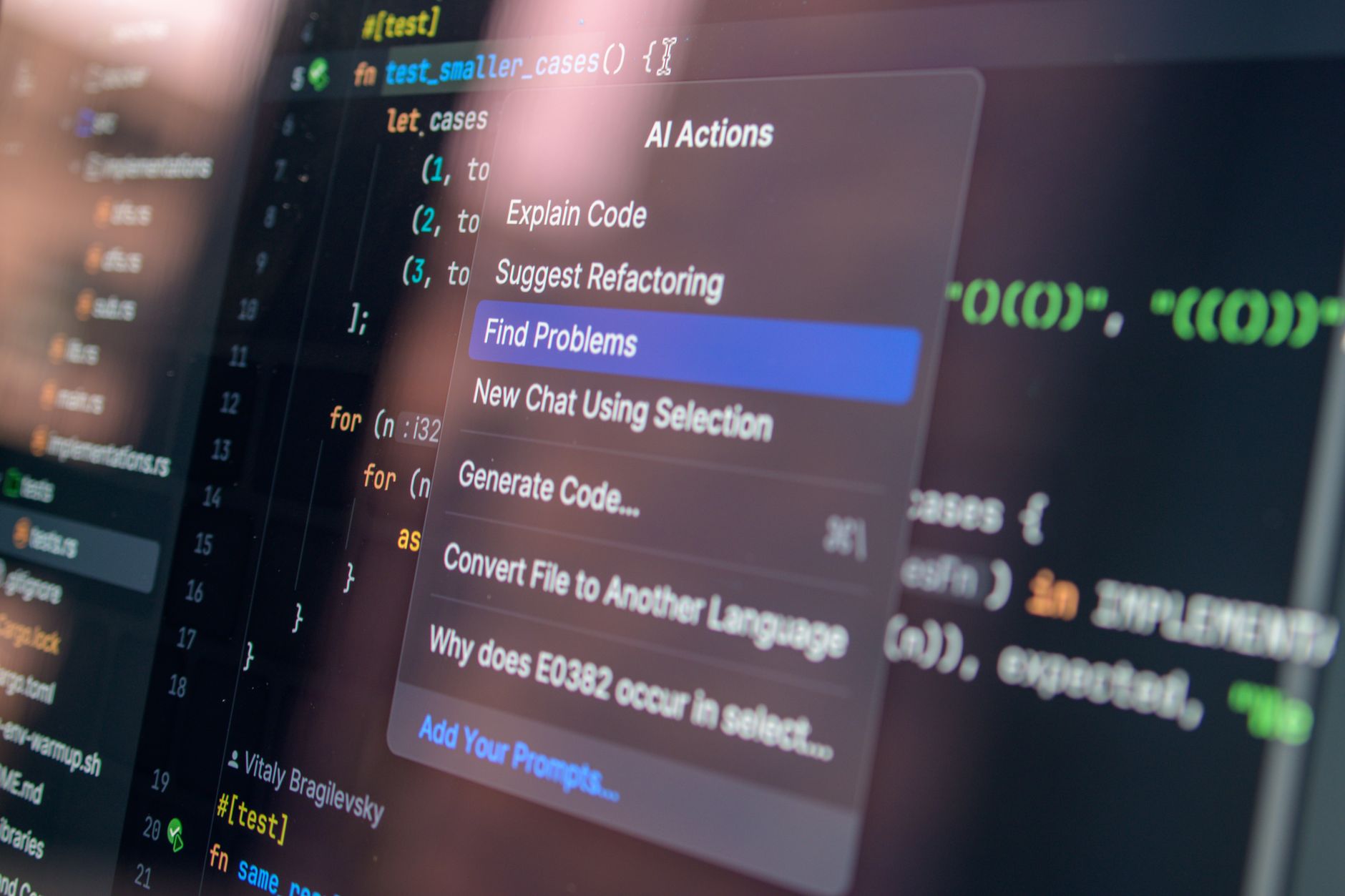
When I first integrated an AI coding assistant into my daily workflow, I expected a magic bullet that would eliminate my backlog overnight. Instead, I spent the first week fighting hallucinated function signatures and fixing broken imports that took me longer to debug than if I’d just written the logic myself.
AI coding assistants are genuinely impressive, but the industry-wide hype cycle has obscured the reality of their limitations. They aren't junior developers; they're sophisticated pattern-matching engines that excel at boilerplate, but struggle with the nuance of a large, evolving codebase.
Understanding AI coding assistants in production
The real value of these tools isn't in generating entire features—it's in accelerating the boring, repetitive parts of the job. I’ve found that using them to write unit tests or generate boilerplate for a new controller in a Laravel project is a massive win. When you're dealing with 7 Laravel errors every beginner hits (and how to fix them), an AI can often point you toward the fix faster than a standard search, provided you already understand the underlying architecture.
However, the "AI coding assistants" experience changes dramatically when you move from simple scripts to complex systems. I recently attempted to have an LLM refactor a legacy service class. It generated code that looked syntactically perfect but violated our internal security patterns. It didn't "know" that we had specific middleware for that request lifecycle.
If you're deploying these tools, you need to remember that LLMs lack context of your entire repository unless you're using advanced RAG pipelines. Even then, they can be brittle. I’ve started treating AI output like a PR from a junior dev: it always requires a thorough review. If you aren't checking the logic, you're just shipping technical debt.
Integrating AI without losing control

To get the most out of these tools, you need to be intentional about your integration strategy. Here is how I’ve adjusted my workflow to keep the benefits without the overhead:
- Scope the request: Don't ask for a "new authentication system." Ask for a "function that validates a JWT token using the
jsonwebtokenlibrary version 9.0.0." The more specific the prompt, the less likely the AI is to hallucinate. - Verify the output: Never copy-paste directly. I’ve seen AI suggest deprecated methods that caused a roughly 15% increase in runtime errors during our staging tests.
- Use it for scaffolding: Let the AI build your folder structure or your initial DTOs. That’s where the time savings are real—about two hours saved per sprint on average.
The trade-offs of automation

We first tried relying heavily on AI to write our integration tests. It broke constantly because the AI didn't account for our specific mock-server configurations. We eventually switched to writing the core test logic ourselves and using the AI only to generate the repetitive data-seeding payloads.
If you’re building your own internal tools, you should look into LLM Guardrails for Production: Input Validation and Output Filtering to ensure that the code your team generates adheres to your organization's security standards. Similarly, if you are building an AI-powered product, LLM Caching Strategies to Slash Latency and API Costs are vital to keep your infrastructure from becoming a bottleneck.
Frequently Asked Questions
Are AI coding assistants safe for production code? They are safe as a tool, not as an authority. If you treat their output as a draft that requires human verification, they are a net positive.
Will AI replace software engineers? No. It will replace the need for manual, repetitive coding. The role of the engineer is shifting from "writer" to "architect and reviewer."
What is the biggest risk of using AI coding assistants? Over-reliance. When you stop auditing the code you're shipping, you lose the ability to debug it when things go wrong at 3:00 AM.
I’m still not entirely convinced that these tools are as revolutionary as the marketing suggests. They're useful, yes, but they're just another tool in the belt—like a linter or a debugger. My biggest fear isn't that AI will take my job, but that we'll forget how to write code without a chatbot holding our hand.