CommonJS vs ES Modules: Mastering Node.js Module Systems
Learn the difference between CommonJS and ES Modules in Node.js. Master require, module.exports, import, and export to structure your backend projects correctly.

Previously in this course, we explored Introduction to Modules: Organizing Your Node.js Code, where we covered the basics of splitting your logic into separate files using the legacy require syntax. Today, we bridge the gap between that foundation and the modern web standard: ECMAScript Modules (ESM).
Node.js has a unique history: it grew up with its own module system (CommonJS), while the browser evolved with a different, standardized one (ES Modules). As a modern developer, you will encounter both in production environments. Understanding how to use both—and how to tell Node.js which one you're using—is essential for building scalable applications.
Understanding the Two Standards
At a high level, CommonJS (CJS) is the "Node.js way," while ES Modules (ESM) is the "JavaScript way."
CommonJS is synchronous. When you require a file, Node.js pauses execution, loads the file, and returns the exported object immediately. This was perfect for server-side development in 2009. ES Modules, however, are designed to be asynchronous and static, allowing for better optimization by tools like bundlers.
| Feature | CommonJS (CJS) | ES Modules (ESM) |
|---|---|---|
| Syntax | require() / module.exports | import / export |
| Loading | Synchronous | Asynchronous |
| Default | .js (in older versions) | .mjs or type: "module" |
| Top-level await | No | Yes |
Using CommonJS (The Legacy Standard)
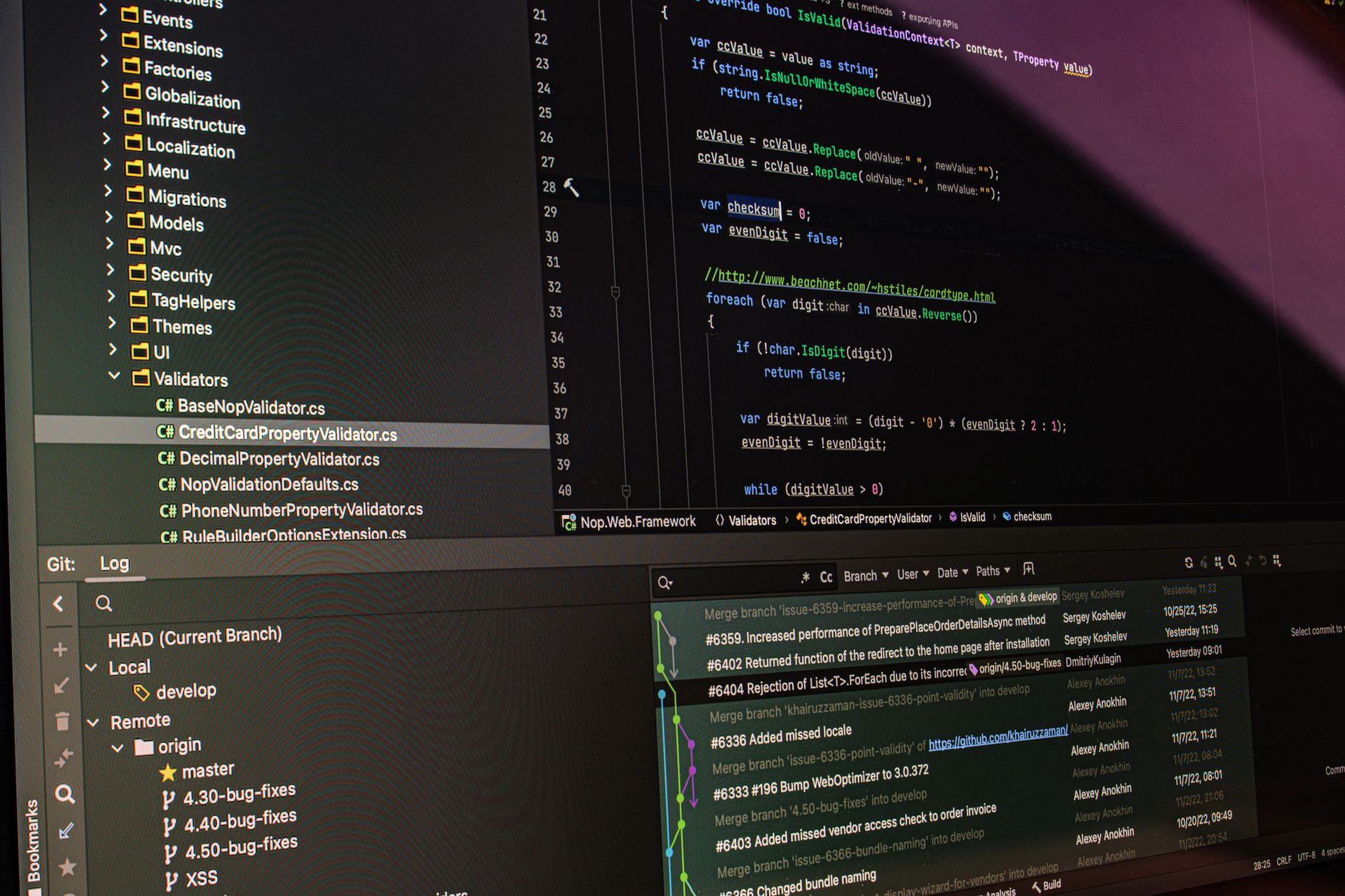
In CommonJS, you attach functionality to an object called module.exports. When you need that code elsewhere, you use the require function.
math.js
JAVASCRIPTconst add = (a, b) => a + b;
module.exports = { add };
app.js
JAVASCRIPTconst { add } = require(CE9178">'./math.js');
console.log(add(2, 3));
This works out of the box in any Node.js environment without extra configuration.
Using ES Modules (The Modern Standard)
ES Modules use the import and export keywords. To enable this in your Node.js project, you must explicitly tell Node.js that your files are modules.
1. Configuring package.json
Open the package.json file you created in our earlier lesson on Initializing Projects with NPM. Add the "type": "module" field to the root of your JSON object:
JSON{
  "name": "my-server-app",
  "version": "1.0.0",
  "type": "module",
  "dependencies": { ... }
}
Once this is set, Node.js will treat every .js file in your project as an ES Module.
2. Exporting and Importing
Now you can use the clean, standardized syntax:
math.js
JAVASCRIPTexport const add = (a, b) => a + b;
app.js
JAVASCRIPTimport { add } from CE9178">'./math.js';
console.log(add(2, 3));
Worked Example: Refactoring our Project
We are building a REST API. Let's imagine we have a db.js file that connects to our database. If we were using CommonJS, we might have module.exports = connectDB. To switch to ESM:
- Update
package.jsonwith"type": "module". - Change
const connectDB = require('./db.js')toimport connectDB from './db.js'. - Change
module.exports = connectDBtoexport default connectDB.
Hands-on Exercise
- Create a file named
greetings.js. - Inside, use
export const hello = (name) => "Hello, " + name;. - Create an
index.jsfile. - Import the
hellofunction using theimportstatement. - Run your script with
node index.js. Note: If you get a "Cannot use import statement outside a module" error, double-check yourpackage.json.
Common Pitfalls
- Missing File Extensions: Unlike CommonJS, ES Modules require you to include the file extension in your import paths (e.g.,
import { x } from './utils.js'instead of./utils). - Mixing Systems: You cannot use
requireinside a file marked astype: "module". Conversely, you cannot useimportin a default CJS file without using dynamicimport()calls. __dirnameand__filename: These variables do not exist in ES Modules. You must recreate them usingimport.meta.urlif you need path resolution.
FAQ
Q: Should I always use ES Modules? A: Yes, for new projects. It is the future of JavaScript and is supported by both browsers and modern Node.js versions.
Q: Can I use import without package.json?
A: You can rename your files from .js to .mjs. Node.js treats .mjs files as ES Modules regardless of your package.json configuration.
Q: What if I have a dependency that only uses CommonJS? A: You can still import CommonJS packages into an ES Module project using default imports. Node.js handles the compatibility layer for you.
Recap
We've explored the differences between the legacy CommonJS system and the modern ES Modules standard. By updating your package.json to include "type": "module", you unlock the ability to use standard import and export syntax, keeping your code clean and forward-compatible.
Up next: We'll dive into the path module to handle file system locations reliably across different operating systems.
Work with me

Laravel REST API Development
Clean, secure, well-documented Laravel REST APIs — the backend engine for your app, mobile client, or SaaS. Built by an API specialist.

FilamentPHP Admin Panel & Dashboard Development
A powerful admin panel for your Laravel app — built with FilamentPHP so you can manage everything without touching the database.