Dealing with Time Zones: Mastering UTC and AT TIME ZONE in SQL
Master time zones in PostgreSQL. Learn how to use TIMESTAMPTZ, handle daylight savings, and store data in UTC to ensure global application accuracy.
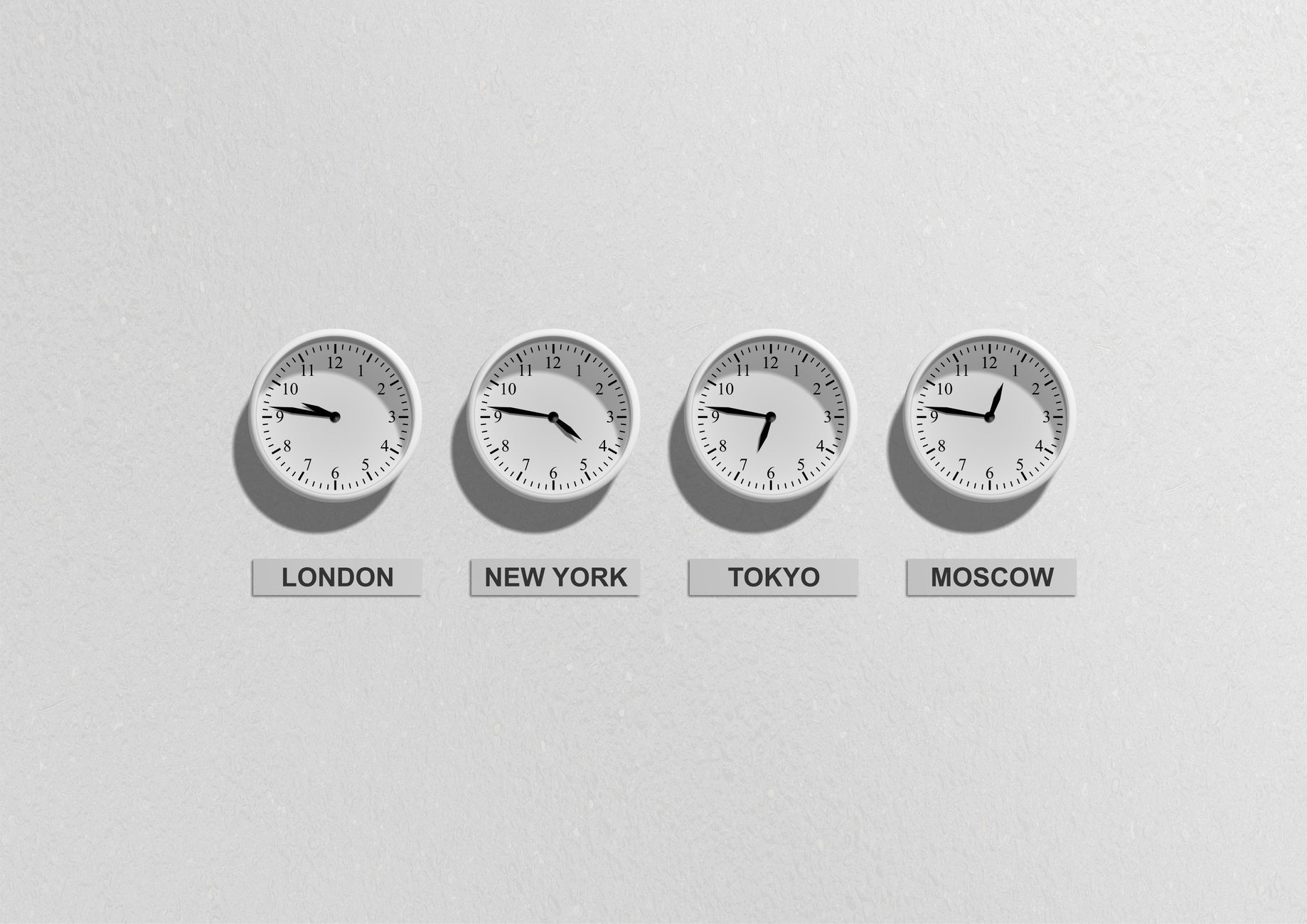
Previously in this course, we covered handling timestamps at a foundational level. Now, we move beyond simple storage to master the complexities of global time zones, ensuring your store application remains accurate whether your customers are in New York, London, or Tokyo.
The First Principle: Always Store in UTC
In any distributed system, the cardinal rule of time is: Store in UTC, convert at the edges.
If your store application accepts orders from multiple regions, storing times in local timezones makes calculating durations, sorting events, and generating reports an absolute nightmare. PostgreSQL provides the TIMESTAMPTZ (Timestamp with Time Zone) data type specifically for this.
Contrary to the name, TIMESTAMPTZ does not store the time zone itself. Instead, it converts the input time to UTC for storage and then back to your session’s local time zone when you retrieve it. This abstraction is your best defense against data corruption.
Converting Timestamps with AT TIME ZONE
When you need to perform calculations or display data for a specific region, the AT TIME ZONE operator is your primary tool. It operates in two modes depending on the input:
- Converting a
TIMESTAMP WITHOUT TIME ZONE: It treats the time as being in the specified zone and converts it to UTC. - Converting a
TIMESTAMPTZ: It shifts the point in time to the specified zone for display purposes.
Worked Example: Global Order Reporting
Let's look at how we handle a customer order occurring at 10:00 AM in New York (EST/EDT) and translate that for our internal reporting dashboard.
SQL-- 1. Create a table for orders with a timezone-aware column
CREATE TABLE orders (
    order_id SERIAL PRIMARY KEY,
    created_at TIMESTAMPTZ DEFAULT CURRENT_TIMESTAMP
);

-- 2. Insert a record (Postgres stores this as UTC internally)
INSERT INTO orders (created_at) VALUES ('2023-10-05 10:00:00-04');

-- 3. Retrieve the order, converted to UTC (the default store format)
SELECT created_at AT TIME ZONE 'UTC' FROM orders;

-- 4. Convert that same record to Tokyo time (JST) for a report
SELECT created_at AT TIME ZONE 'Asia/Tokyo' FROM orders;
Handling Daylight Savings Automatically
One of the most common mistakes is manually calculating time offsets. PostgreSQL handles Daylight Savings Time (DST) automatically through its internal IANA time zone database. When you use a named time zone (like 'America/New_York') rather than a fixed offset (like '-05:00'), PostgreSQL checks the rules for that specific date and applies the correct shift.
| Input Type | Best Practice | Why? |
|---|---|---|
TIMESTAMP | Use for arbitrary times | No time zone awareness; risks ambiguity. |
TIMESTAMPTZ | Always use for logs | Handles DST and UTC conversion automatically. |
Hands-on Exercise
Assuming your database session is currently set to UTC, perform the following steps to verify your understanding:
- Insert a timestamp representing an event that happened at 8:00 AM on Jan 1st, 2024, in the
Europe/Berlintime zone. - Query the result, but display it using the
AT TIME ZONEoperator to see what time that was inUTC. - Query the same record again using
AT TIME ZONEto see what time that was inAmerica/Los_Angeles.
Hint: Use the syntax '2024-01-01 08:00:00'::timestamp AT TIME ZONE 'Europe/Berlin' to force the initial conversion.
Common Pitfalls
- Assuming
TIMESTAMPTZstores the zone: It doesn't. If you insert2023-01-01 10:00 UTCand2023-01-01 10:00 EST, the database converts both to UTC and stores them as distinct points in time. You cannot retrieve the original input zone later. - Using fixed offsets: Avoid
+05:00if you can useAsia/Karachi. Fixed offsets do not account for historical or future changes to DST rules, whereas named zones do. - Mixing Types: Comparing
TIMESTAMPandTIMESTAMPTZin aWHEREclause can cause unexpected behavior or index misses. Always cast to the same type before comparing.
This approach aligns with the standards discussed in Handling Timezones and Dates in REST APIs: The UTC Standard, where we establish that the backend should always be the source of truth for time. If you are integrating this into a web application, you may also benefit from the logic covered in Working with Dates and Time in PHP: The DateTime Class.
Recap
We’ve learned that TIMESTAMPTZ is the industry standard for robust database design. By storing everything in UTC and using AT TIME ZONE for presentation, we eliminate ambiguity, handle daylight savings automatically, and keep our data clean.
Up next: We will learn how to handle hierarchical data and complex relationships using Recursive Queries.
Work with me

Laravel SaaS MVP & Multi-Tenant App Development
Launch your SaaS MVP on Laravel — multi-tenant, subscription-ready, and built by the engineer behind a platform serving 10,000+ paying users.

AI Automation & Agentic Workflow Development
Automate the repetitive work eating your time — content pipelines, data workflows, and agentic AI tasks that run themselves.