Dynamic Provisioning: Automating Storage with StorageClasses
Stop creating storage manually. Learn how to use StorageClasses for dynamic provisioning, letting Kubernetes handle your storage lifecycle automatically.
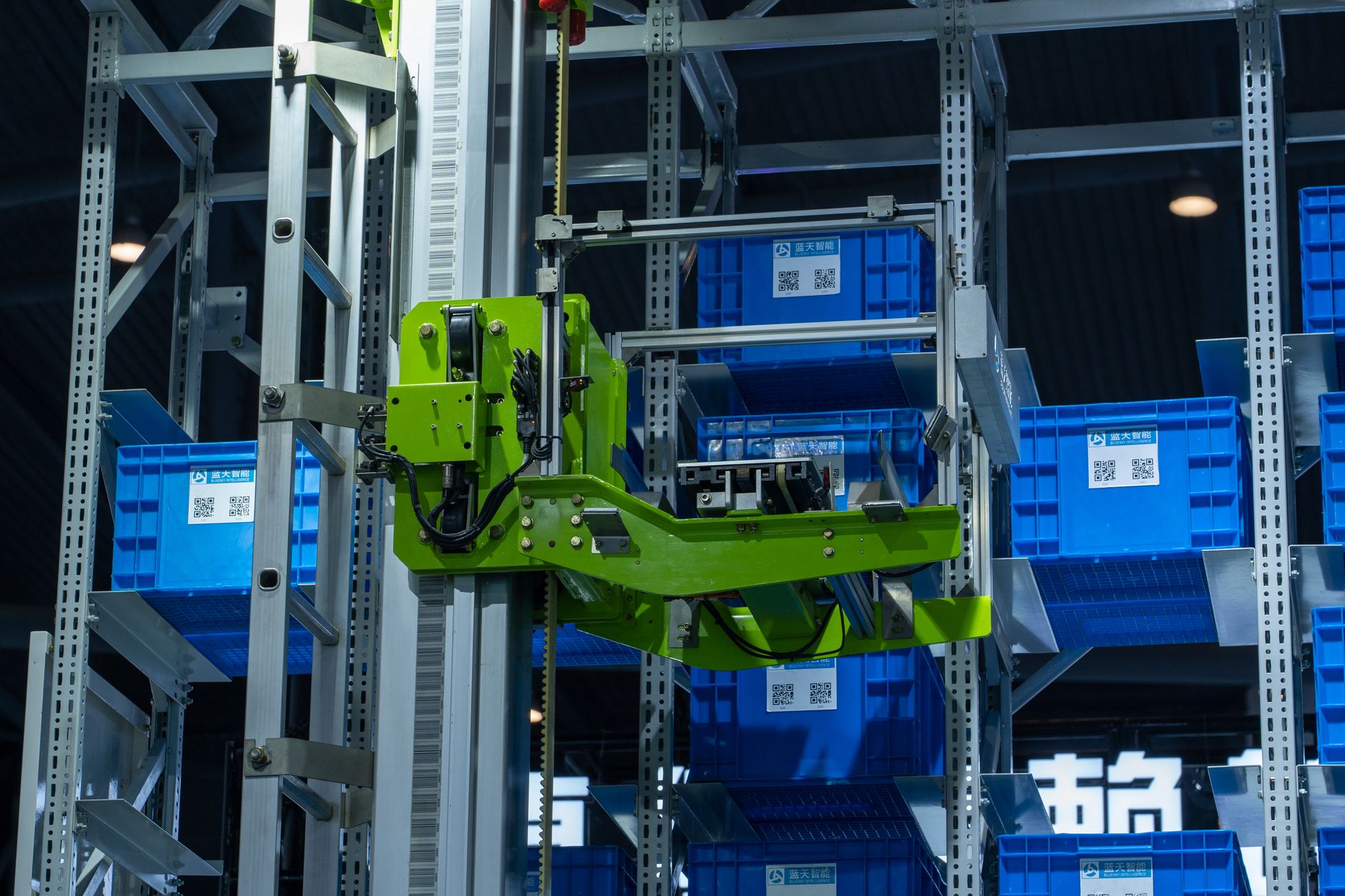
Previously in this course, we discussed Persistent Volumes and Claims: Managing Kubernetes Storage, where we learned how to bind a pod to a static piece of storage. While that works for small setups, it’s an administrative bottleneck in production.
In this lesson, we move from manual "pre-provisioning" to dynamic provisioning. You’ll learn how to use a StorageClass to let Kubernetes handle the heavy lifting of requesting, formatting, and attaching storage the moment your application needs it.
The Problem with Static Storage
In our previous look at Persistent Volumes (PVs), an administrator had to create the storage before the developer asked for it. If you needed 10GB of storage, you first had to provision a disk in your cloud provider, create a PV object, and then wait for a developer to create a Persistent Volume Claim (PVC) that matched the criteria.
This manual chain is brittle. If a developer asks for 11GB but you only have a 10GB disk, the claim remains stuck in Pending indefinitely. Dynamic provisioning flips this model: the developer asks for storage, and the cluster automatically reaches out to the cloud provider (or local storage driver) to create it on the fly.
Understanding the StorageClass

The StorageClass is the object that makes this automation possible. It acts as a blueprint. It tells Kubernetes: "When someone asks for this type of storage, use this specific driver (like AWS EBS, GCE Persistent Disk, or local path) and these default parameters."
Think of the StorageClass as a "storage catalog." Instead of creating the actual disk, you are defining the recipe for how that disk should be created.
How Dynamic Provisioning Works
When you create a PVC that references a StorageClass, the following loop occurs:
- Request: The user creates a PVC object specifying a
storageClassName. - Trigger: The Kubernetes control plane sees the PVC and looks for the corresponding
StorageClass. - Provisioning: The provisioner (a plugin in the cluster) contacts the underlying infrastructure (e.g., AWS, Azure, or a local file system) to create a new volume.
- Binding: Once the volume exists, the cluster automatically creates a PV, binds it to your PVC, and your Pod can finally start.
Worked Example: Creating a StorageClass
Most managed Kubernetes clusters (like GKE, EKS, or Minikube) come with a default StorageClass. You can check yours with:
Bashkubectl get storageclass
If you don't have one, or want to define your own for specific performance tiers, you create a manifest like this:
YAMLapiVersion: storage.k8s.io/v1
kind: StorageClass
metadata:
  name: fast-ssd
provisioner: k8s.io/minikube-hostpath # Use 'ebs.csi.aws.com' for AWS, etc.
parameters:
  type: pd-ssd
reclaimPolicy: Delete
Now, when you create a PVC, you reference this class:
YAMLapiVersion: v1
kind: PersistentVolumeClaim
metadata:
  name: app-data-pvc
spec:
  accessModes:
    - ReadWriteOnce
  storageClassName: fast-ssd
  resources:
    requests:
      storage: 5Gi
Once you kubectl apply this, you’ll see the PVC transition from Pending to Bound almost instantly, as the controller creates the volume for you.
Hands-on Exercise: Triggering Automatic Provisioning
- Check your current classes:
kubectl get sc. - Create a file named
pvc-dynamic.yamlusing the manifest above, ensuring you use thestorageClassNameidentified in step 1. - Run
kubectl apply -f pvc-dynamic.yaml. - Run
kubectl get pvc. You will see the status change fromPendingtoBoundwithout you ever having to define aPersistentVolumemanually!
Common Pitfalls

- Assuming Cloud Availability: The
provisionerfield is specific to your environment. If you copy a manifest using an AWS EBS provisioner into a local Minikube cluster, it will never work. Always match your provisioner to your infrastructure. - Reclaim Policy confusion: Notice the
reclaimPolicy: Deletein the manifest. If you delete the PVC, the underlying disk will be deleted too. This is great for dev/test but can be dangerous in production if you need to keep data after a pod is removed. - StorageClass Name typos: If the
storageClassNamein your PVC doesn't match an existingStorageClassexactly, the PVC will stayPendingforever with no error message other than "waiting for a volume."
FAQ
Q: Can I change the StorageClass of a PVC later? A: No. Once a PVC is bound to a PV, the storage class is immutable. You must create a new PVC with the desired class and migrate your data.
Q: Do I need to create a PV object if I use a StorageClass?
A: No, that is the entire point of dynamic provisioning. The StorageClass generates the PV object for you automatically.
Recap
Dynamic provisioning via StorageClass is the standard way to handle storage in modern Kubernetes. By automating the creation of volumes, we reduce manual operations and allow developers to request the exact amount of storage they need, right when they need it. This automation is essential for scaling applications effectively.
Up next: Using Init Containers — how to prepare your environment or check dependencies before your main application starts.
Work with me

CI/CD Pipeline & Docker Containerization
Ship with confidence: automated CI/CD pipelines and Docker setups so every push is tested and deployed — no more manual, error-prone releases.

Custom Email & File Storage System on Cloudflare (Google Workspace Alternative)
Your own private email + file storage suite on your domain — unlimited mailboxes, no per-seat fees. A self-owned Google Workspace alternative for a flat ~$5/month.