Environment Setup: Preparing Your Local Development Workspace
Learn how to install Git, configure your local environment, and initialize a GitHub repository to prepare your machine for professional CI/CD workflows.
Previously in this course, we explored The CI/CD Philosophy to understand why automated feedback loops are essential for modern delivery. Now that you understand the "why," it is time to build the "how."
To implement CI/CD, your code must live in a version control system. Git is the industry standard, and GitHub acts as the remote host where your automated pipelines will execute. This lesson prepares your development environment by ensuring your local machine can communicate effectively with the platform that will run your tests and deployments.
Installing Git
Git is a distributed version control system that tracks changes to your files. Before you can push code to a CI/CD pipeline, you need the Git binary installed on your machine.
Installation Steps
- macOS: Open your terminal and run
git --version. If it’s not installed, macOS will prompt you to install the Xcode Command Line Tools. Alternatively, download the installer from the official Git website. - Windows: Download and run the "Git for Windows" installer. I recommend sticking with the default options during installation, specifically the choice to use Git from the Windows Command Prompt.
- Linux: Use your distribution's package manager (e.g.,
sudo apt install giton Ubuntu).
Once installed, verify it by running:
Bashgit --version
Configuring Your Git Identity
Git records the "author" of every change you make. You must configure your name and email address so that your commits are correctly attributed. This identity is also used by GitHub to link activity to your account.
Run these two commands in your terminal:
Bashgit config --global user.name "Your Name"
git config --global user.email "your-email@example.com"
Why the --global flag? This tells Git to use these settings for every project on your machine. You can verify your configuration by running git config --list.
Initializing a GitHub Repository
Think of a repository (repo) as the "home" for your project. To start our running project, we need to create a local directory and link it to a remote repository on GitHub.
- Create the project folder:
Bash
mkdir my-cicd-project cd my-cicd-project - Initialize Git:
This creates a hiddenBashgit init.gitdirectory that stores your project's version history. - Link to GitHub:
Go to GitHub, sign in, and click "New repository." Name it
my-cicd-project, keep it private (or public), and click "Create repository."
GitHub will provide you with instructions to connect your local code. Follow the "push an existing repository" section:
Bashgit remote add origin https://github.com/YOUR_USERNAME/my-cicd-project.git
git branch -M main
git push -u origin main
Hands-On Exercise
Now that your environment is ready, let's establish our first project file:
- Inside your
my-cicd-projectdirectory, create a file namedREADME.md. - Add a simple line:
# CI/CD Course Project. - Stage and commit your changes:
Bash
git add README.md git commit -m "Initial commit: Add README" git push origin main - Visit your GitHub repository URL to confirm the file exists there.
Common Pitfalls
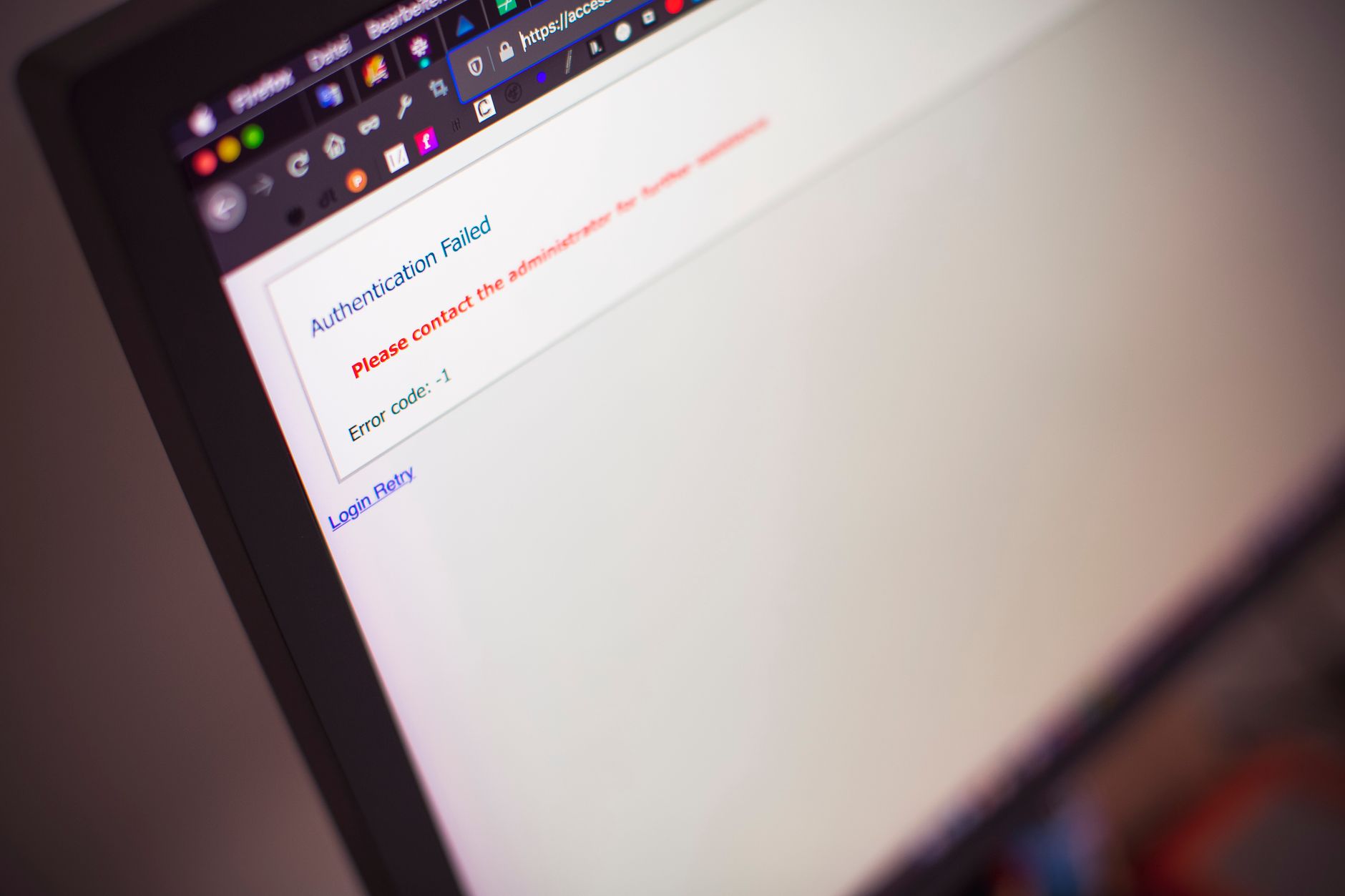
- Authentication Errors: If you get a 403 or "Authentication Failed" error when pushing, ensure you are using a Personal Access Token (PAT) instead of your account password. GitHub no longer supports password-based authentication for Git operations.
- The "Detached HEAD" state: This happens if you try to commit to a specific commit hash rather than a branch. Always ensure you are on
mainbefore working. - Configuring the wrong email: Ensure the email you use in
git configmatches the one verified on your GitHub account, otherwise, your contributions won't show up as "green squares" on your profile graph.
FAQ
Q: Do I need to re-run git config for every project?
A: No. Because we used the --global flag, your identity is saved for all projects on your machine.
Q: What if I have multiple GitHub accounts (e.g., work and personal)?
A: You can remove the --global flag and run git config user.email "..." inside a specific project folder to override the global setting.
Q: Is GitHub the only place to run CI? A: While this course focuses on GitHub Actions, the principles of Automated CI/CD Pipelines apply to other platforms like GitLab CI or Bitbucket Pipelines.
Recap
You have now installed Git, established your identity, and initialized a repository on GitHub. These are the mandatory prerequisites for any professional development environment. Your local machine is now "Git-aware" and synced with the cloud.
Up next: Anatomy of a Workflow, where we will create the folder structure and configuration required to make GitHub recognize our CI/CD instructions.
Work with me

Custom Email & File Storage System on Cloudflare (Google Workspace Alternative)
Your own private email + file storage suite on your domain — unlimited mailboxes, no per-seat fees. A self-owned Google Workspace alternative for a flat ~$5/month.

WooCommerce Store Setup & Customization
A WooCommerce store that's set up right, customized to your brand, and ready to sell — by a developer who builds WooCommerce products, not just stores.