Introduction to Component-Based Architecture in React
Master React architecture by learning to think in components. Discover the power of declarative UI and how to break complex interfaces into reusable pieces.
Welcome to the start of your journey into modern web development. In this course, we are going to build a professional-grade movie-browser application. Before we write a single line of code, we need to understand the philosophy that makes React the industry standard: React architecture.
To build scalable applications, we must move away from how we've traditionally written web pages and embrace a component-based mindset.
Declarative vs. Imperative Programming
To understand why React works the way it does, we first need to look at how we used to build the web.
In traditional "imperative" programming, you tell the browser how to change the UI step-by-step. Imagine you have a button that updates a movie title. In an imperative world (using vanilla JavaScript), you would write:
- Select the DOM element by ID.
- Update the
textContentproperty of that element. - Add a CSS class to change its color.
- If the user clicks again, manually revert those changes.
This is brittle. As your app grows, keeping your manual UI updates in sync with your data becomes a nightmare.
React uses a declarative UI approach. Instead of telling the browser how to change, you describe what the UI should look like based on the current state of your data. You don't touch the DOM directly; you simply tell React, "When the movie title is 'Inception', render this component." React handles the heavy lifting of updating the DOM for you.
The Power of Components
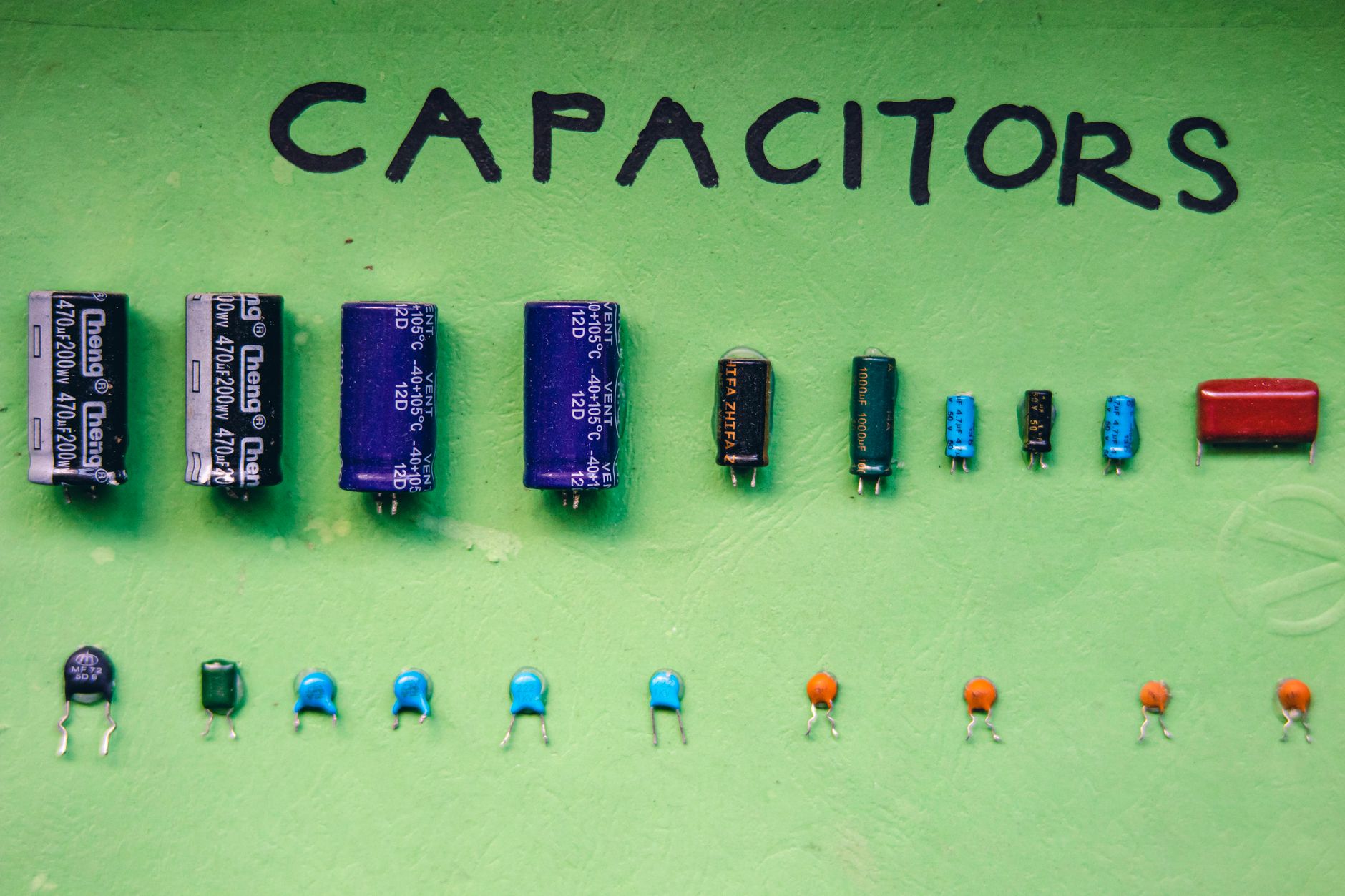
At the heart of React architecture are components. A component is a self-contained unit of UI. It encapsulates its own structure (how it looks), its own logic (how it behaves), and its own style.
Think of a modern website like a LEGO set. Instead of building the entire castle as one giant, immovable brick, you build independent modules—the drawbridge, the tower, the flag. You can move these around, reuse them, or replace them without breaking the rest of the structure.
Why Component-Based Design?
- Reusability: Build a
MovieCardonce, and use it in your "Trending," "Favorites," and "Search Results" sections. - Maintainability: If the design of your movie cards needs to change, you update one file, and the entire app updates instantly.
- Isolation: A bug in your search bar component is less likely to break your movie list, because they are independent entities.
Identifying Components in the Real World
Let's look at our project: a movie-browser app. If you were to sketch this on a whiteboard, how would you break it down?
- The Main Layout: The outer shell of the app (Header, Footer, Main Content).
- The Search Bar: A standalone input field and button.
- The Movie Grid: A container for the list of movies.
- The Movie Card: A single unit displaying a poster, title, and rating.
Each of these is a candidate for a component. When you start building, you'll find that components often nest inside one another, forming a tree structure. Learning how to choose these boundaries—deciding what should be a component and what shouldn't—is a critical skill that we will refine throughout this course, similar to how we discuss choosing the right boundaries for components.
Worked Example: A Simple UI Decomposition
Imagine we are building a simple header.
Imperative approach:
JAVASCRIPT// You manually create and append elements
const header = document.createElement(CE9178">'header');
header.innerHTML = CE9178">'<h1>Movie Browser</h1>';
document.body.appendChild(header);
Declarative (React) approach:
JSX// You describe the UI as a function
function Header() {
  return (
    <header>
      <h1>Movie Browser</h1>
    </header>
  );
}
In the React example, Header is a component. It is a predictable function that returns a description of the UI. This simplicity is why React is so powerful.
Hands-on Exercise
Look at your favorite website (e.g., Netflix, YouTube, or IMDb). Take a screenshot and draw boxes around the different UI elements you see.
- Identify the "Parent" components (like the main navigation or the page layout).
- Identify the "Child" components (like individual buttons, icons, or cards).
- List three parts of that page that you think could be reused in other parts of the site.
Common Pitfalls
- Over-Engineering: Don't turn every single
<div>into a component. Start simple. If you find yourself copying and pasting code, that is when you should extract a component. - Mixing Concerns: Try to keep your components focused. A
MovieCardshould display movie data; it shouldn't be responsible for fetching the data from an API or managing the global user login state. - Ignoring Reusability: When you build your first few components, ask yourself: "Could I use this in another project?" If the answer is yes, you're on the right track.
Recap

React architecture relies on components to create declarative UIs. By shifting from imperative, step-by-step DOM manipulation to a model where components represent the state of your application, you gain the ability to build complex, maintainable, and highly reusable interfaces. We’ll be applying this principle constantly, even when we move into advanced patterns like mastering the slot pattern for cleaner code.
Up next: We will demystify how React updates the screen by looking at the Virtual DOM.
Work with me

Next.js Full-Stack Web App Development
A fast, SEO-ready full-stack web app built with Next.js 16 — from idea to deployed product, by an engineer who ships to production.

Headless WordPress + Next.js Frontend Development
Keep WordPress for content, get a lightning-fast Next.js frontend. The best of both worlds — familiar editing, modern speed.