Laravel Database Performance: Scaling Connections with PgBouncer
Laravel database performance often hits a ceiling under high concurrency. Learn to implement PgBouncer for effective connection pooling in your microservices.
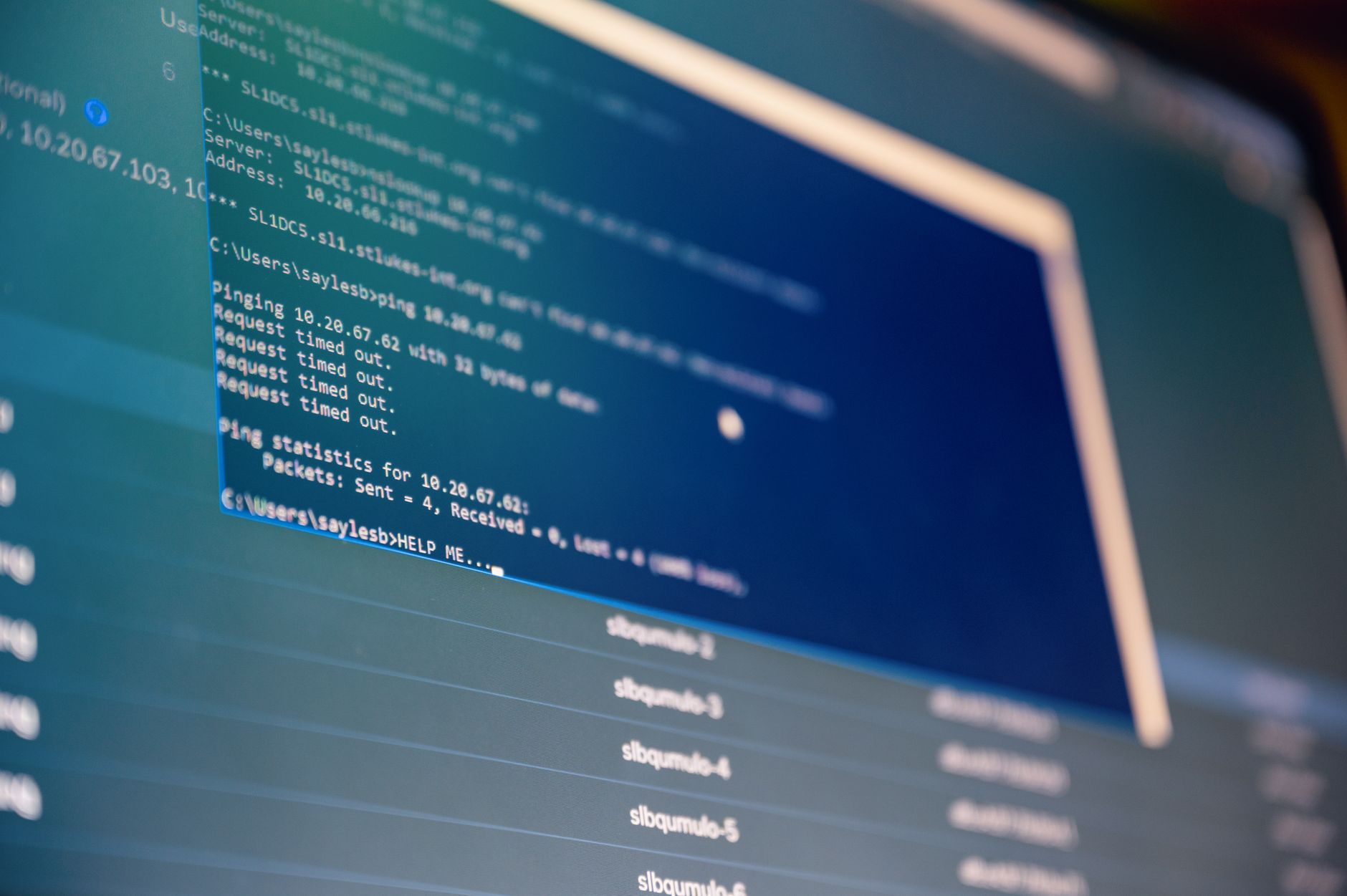
When you scale a Laravel application, the database is almost always the first component to scream for help. During a recent spike in traffic, I watched our worker pods churn through connections until the PostgreSQL server hit its max_connections limit, effectively locking out the entire platform. If you're building high-concurrency microservices, your bottleneck isn't usually the query logic; it's the overhead of establishing a new TCP connection for every single request.
Why Laravel Struggles with Database Connections
By default, Laravel opens a new database connection for every incoming request. In a low-traffic monolith, this is perfectly fine. But in a microservices architecture where you might have 50+ pods running, each spawning multiple workers, you quickly exhaust the database's connection limit.
I’ve seen developers try to solve this by simply increasing max_connections in PostgreSQL. That’s a trap. Each connection consumes memory on the DB server, and the context switching overhead can actually degrade your overall Laravel database performance. You aren't fixing the problem; you're just delaying the inevitable crash.
Implementing PgBouncer for Connection Pooling
When we faced this, our first instinct was to look at ProxySQL. While ProxySQL is brilliant for MySQL, it’s overkill if you’re running PostgreSQL. We landed on PgBouncer. It acts as a lightweight middleware that sits between your Laravel app and the database, maintaining a pool of "live" connections that it reuses across multiple application requests.
The setup is straightforward. You install PgBouncer on your database host or as a sidecar container, then point your DB_HOST in Laravel to the proxy instead of the database directly.
The Configuration Swap
In your .env file, change your connection string to hit the proxy port:
.env# Before
DB_HOST=10.0.0.5
DB_PORT=5432

# After
DB_HOST=127.0.0.1
DB_PORT=6432
Then, configure pgbouncer.ini to manage the pool. I recommend starting with pool_mode = transaction to ensure connections are returned to the pool as soon as a transaction finishes, rather than waiting for the entire request lifecycle to close.
INI[databases]
myapp = host=10.0.0.5 port=5432 dbname=production_db

[pgbouncer]
listen_port = 6432
listen_addr = 0.0.0.0
auth_type = md5
auth_file = /etc/pgbouncer/userlist.txt
pool_mode = transaction
max_client_conn = 1000
default_pool_size = 20
The Trade-offs of Connection Pooling
It’s not all sunshine and rainbows. When you move to a pooled environment, you lose the ability to use session-level features. If your application relies on SET LOCAL commands or temporary tables that persist across requests, you'll run into issues because the next request might pick up a connection that has "dirty" state from the previous one.
We learned this the hard way when a legacy reporting module failed because it expected a temporary table to exist across multiple connections. We had to refactor that logic to be stateless. Before you go down this path, audit your codebase for any reliance on session-scoped database configurations. If you’re already eliminating N+1 queries in Eloquent, you're likely already in a good position, as your queries are probably clean and performant.
Observability is Non-Negotiable
Once you introduce a proxy, you’ve added a new point of failure. If PgBouncer dies, your app dies. You need to monitor the pool saturation. We use Laravel OpenTelemetry instrumentation to track how long requests spend waiting for a database connection. If that latency starts creeping up, you know it’s time to increase your default_pool_size.
FAQ: Common Pitfalls
Q: Should I use ProxySQL for MySQL? A: Yes, absolutely. If your stack is MySQL/MariaDB, ProxySQL is the industry standard. It handles query routing and read/write splitting much better than PgBouncer handles PostgreSQL.
Q: Will connection pooling fix my slow queries? A: No. Pooling only reduces the connection overhead. If your queries are slow, check your indexing or use explain plans. Don't mistake connection saturation for query inefficiency.
Q: What happens if the pool is full?
A: Requests will wait in a queue for a free connection. If the wait time exceeds your database connection timeout, you'll start seeing 500 errors. Always set a sane timeout in your database.php config.
Final Thoughts

Implementing connection pooling was the single biggest win for our infrastructure stability last year. We dropped our database connection count from a constant ~400 down to around 40, which gave our PostgreSQL instance enough breathing room to handle complex analytical queries without locking up the write-heavy tables.
Next time, I’d probably look into more aggressive read-only replica routing earlier in the process. We spent a lot of time tuning the primary pool, but we could have offloaded a massive amount of traffic to read replicas if we had implemented a more robust load-balancing strategy from day one. Don't wait for your database to crash before you start thinking about how your application manages its connections.