Mastering Laravel Task Scheduling: A Guide to Automation
Mastering Laravel task scheduling allows you to manage recurring background jobs with ease. Learn how to replace complex crontabs with clean, fluent code.
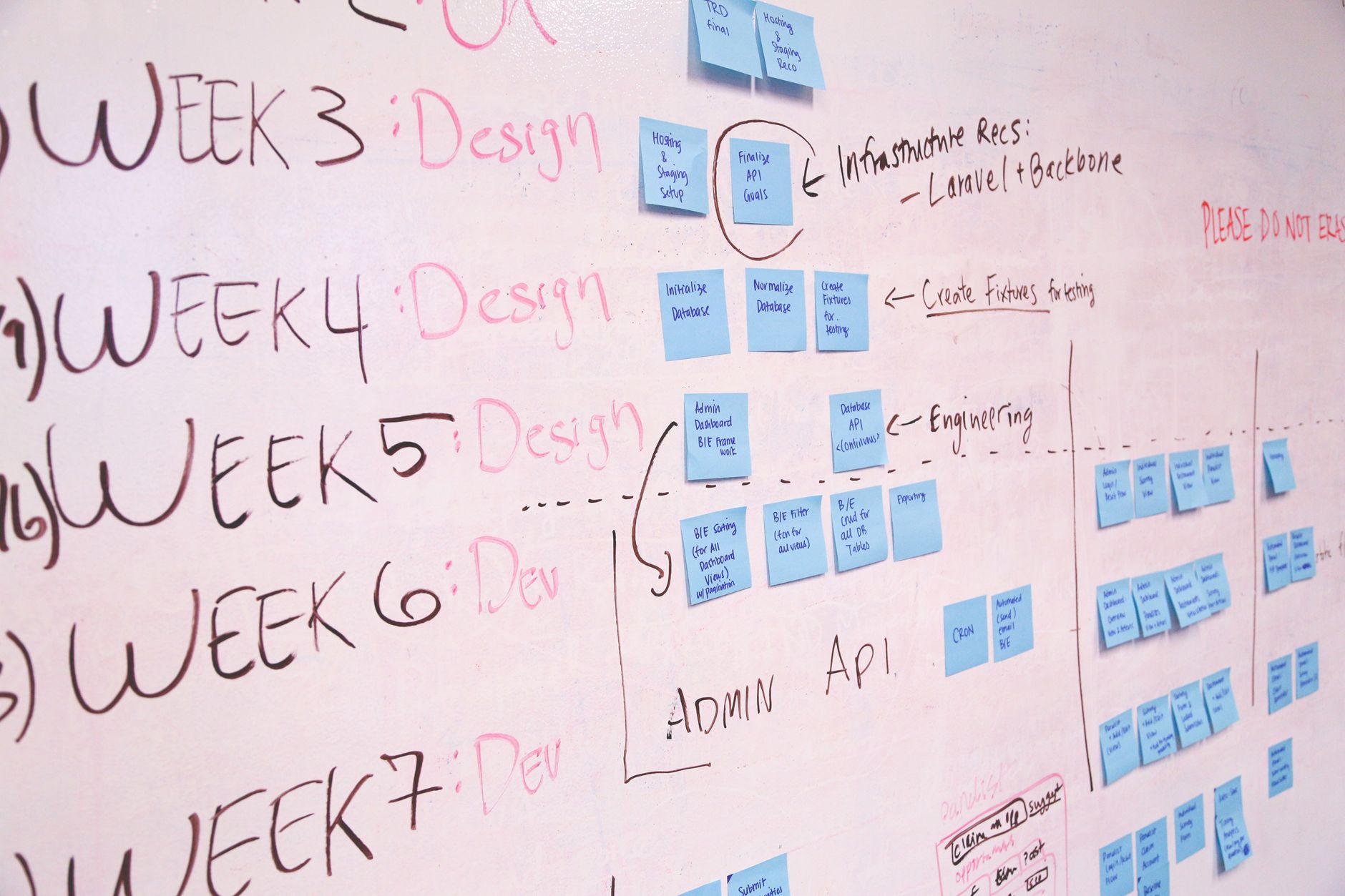
Last month, I was debugging a production issue where three different developers had added manual entries to the server's crontab. One was a duplicate, one was running with the wrong user permissions, and the third was silently failing because the log path was hardcoded to a directory that didn't exist. That was the moment I decided to move everything into the application layer.
If you’re still managing your recurring tasks by editing /etc/crontab files, you’re missing out on one of the most powerful features in the framework. Laravel task scheduling allows you to define your schedule within your codebase, making it version-controlled, testable, and significantly easier to debug.
Setting Up Your First Task
The heart of the scheduler lives in app/Console/Kernel.php (or routes/console.php in Laravel 11+). Instead of worrying about shell syntax, you use a fluent, human-readable interface.
To get started, you only need one entry in your server's crontab that points to the Laravel scheduler. Run crontab -e on your server and add this single line:
Bash* * * * * cd /path-to-your-project && php artisan schedule:run >> /dev/null 2>&1
This command fires every minute. Laravel then checks your defined schedule to see which jobs are due. It's essentially a traffic controller for your php cron jobs.
Defining Tasks in the Schedule

Once the entry is set, you define your tasks inside the schedule method. Here is a simple example of how we handle daily database cleanups:
PHPprotected function schedule(Schedule $schedule)
{
    $schedule->command('model:prune')->daily();

    $schedule->call(function () {
        DB::table('recent_logs')->where('created_at', '<', now()->subDays(30))->delete();
    })->monthly();
}
The syntax is expressive. You can use methods like everyMinute(), hourly(), daily(), or even custom cron expressions like ->cron('* * * * *'). If you're dealing with heavy data processing, remember that mastering Laravel queues is the next logical step to move these tasks out of the request lifecycle entirely.
Why We Avoided "The Wrong Way"
Early in my career, I tried to handle complex logic directly inside the schedule closure. I ended up with a 200-line Kernel.php file that was a nightmare to maintain.
We initially tried putting raw SQL queries in the scheduler to update user statuses. It worked for about two weeks until the table grew to roughly 1.2 million rows. The query started taking 4 seconds to execute, which blocked the scheduler and caused other tasks to pile up.
The fix was simple: we moved the logic into a dedicated Job class. Now, the scheduler just dispatches the job:
PHP$schedule->job(new ProcessUserStatusUpdates)->dailyAt('03:00');
This keeps the schedule file clean and allows us to leverage reliable background jobs for retries and failure handling. If the job fails, Laravel’s queue system handles the backoff automatically, which the scheduler can't do on its own.
Best Practices for Laravel Task Scheduling
When you start automation with Laravel, keep these rules in mind to save yourself from future headaches:
- Use
withoutOverlapping(): If a task takes longer than the interval (e.g., a report generation that runs every 10 minutes but occasionally takes 15), this method prevents the next instance from starting until the first finishes. - Use
evenInMaintenanceMode(): By default, the scheduler stops during maintenance mode. If your task is critical (like sending emails), ensure you add this flag. - Log your output: Use
->appendOutputTo(storage_path('logs/scheduler.log'))to keep track of what happened during each run.
Frequently Asked Questions
Does the scheduler run in real-time? No. It runs every minute via the cron entry you added. If you need sub-minute precision, you'll need to look at custom daemon solutions, but for 99% of web apps, one minute is sufficient.
Can I run tasks on specific servers?
Yes. If you have a multi-server setup, you can use ->onOneServer() to ensure the task only executes once, preventing race conditions.
How do I test my schedule?
You can run php artisan schedule:list to see a table of all your scheduled tasks and when they are next due to run. It’s an incredibly helpful command for verifying your logic.
Final Thoughts
Implementing laravel task scheduling is one of those shifts that makes you feel like you've finally tamed the beast of server management. You move from "hoping the cron job runs" to "knowing exactly when and how the job runs."
I still occasionally struggle with timezone mismatches when scheduling tasks for global users—always ensure your server and application are set to UTC. Beyond that, start small. Move one simple task into the scheduler today, see how it behaves, and build from there.