Entity Lifecycle Management: Tracking SaaS States in SQL
Master entity lifecycle management by implementing status tracking columns in your database. Learn to model states for robust SaaS workflow control.
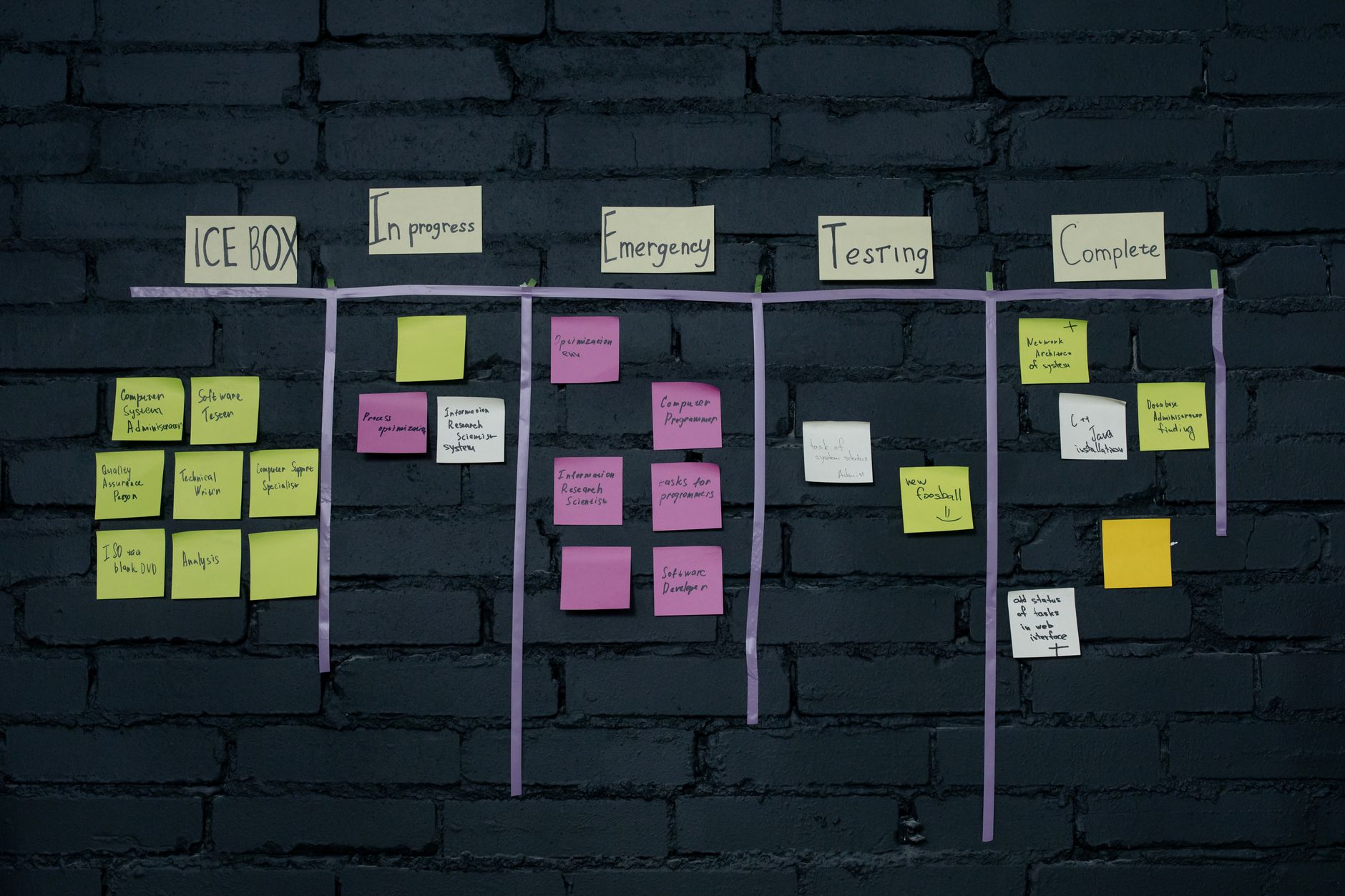
Previously in this course, we explored handling soft deletes to manage record retention. Today, we advance our schema design by building formal state machines into our database, ensuring your SaaS product handles complex workflows with integrity.
Understanding Entity Lifecycle Management
In a SaaS application, most business entities aren't static. An invoice moves from draft to sent to paid. A user account progresses from pending_verification to active to suspended.
State management is the practice of explicitly defining the valid stages of an entity's existence and restricting the transitions between them. Without this at the database level, your application logic becomes fragile, prone to bugs where an entity ends up in an impossible state (e.g., a paid invoice that was never sent).
Designing the Schema for State Tracking
To implement this, we move beyond simple boolean flags. While a is_active column works for binary states, it fails for multi-stage workflows. Instead, we use a single status column constrained by the database to ensure only defined states are stored.
Worked Example: The Subscription Workflow
Let's apply this to our ongoing project. We need to manage a subscription entity. A subscription should only exist in these states: trialing, active, past_due, and canceled.
We implement this using an ENUM type (or a CHECK constraint if you prefer standard SQL portability).
SQL-- Using a CHECK constraint for maximum portability and control
ALTER TABLE subscriptions
ADD COLUMN status VARCHAR(20) NOT NULL DEFAULT 'trialing';

ALTER TABLE subscriptions
ADD CONSTRAINT check_subscription_status
CHECK (status IN ('trialing', 'active', 'past_due', 'canceled'));
Implementing Valid Transitions
While the CHECK constraint ensures the data remains valid at rest, it doesn't prevent "impossible" jumps (like moving directly from trialing to canceled without a logical check).
For strict workflow requirements, you should implement a transition table. This is a common pattern in Mapping SaaS Users and Accounts where security and integrity are paramount.
| Current State | Target State | Logic |
|---|---|---|
| trialing | active | Payment received |
| trialing | canceled | User quit |
| active | past_due | Payment failed |
| past_due | active | Payment recovered |
By tracking these transitions in an audit table—a practice we touched on when implementing time-series data—you gain a full history of the entity's lifecycle, which is vital for customer support and debugging.
Practice Exercise
Choose one entity in your current SaaS project (e.g., projects or orders).
- Define the possible states for this entity.
- Write the SQL
ALTER TABLEstatement to add astatuscolumn with aCHECKconstraint. - Attempt to insert a row with an invalid status to verify your constraint prevents data corruption.
Common Pitfalls
- Over-complicating states: Don't turn every minor attribute change into a "state." If a user updates their profile picture, that is an update, not a lifecycle state change. Keep states reserved for business-critical milestones.
- Ignoring defaults: Always provide a sensible
DEFAULTvalue. If an entity is created, it must start somewhere. - Hardcoding in Application Logic: Avoid having the database and application code disagree on what valid states exist. If you use a
CHECKconstraint, ensure your application layer uses the same definition to provide helpful error messages before the database rejects the query.
FAQ
Q: Should I use ENUM or a lookup table?
A: Use a lookup table if you need to store metadata about the state (e.g., display_name, is_blocking). Use a CHECK constraint if the states are simple, static, and unlikely to change often.
Q: Can I change states later?
A: Yes, use ALTER TABLE to modify your CHECK constraint. See Managing Table Schemas for the syntax on updating constraints safely.
Recap
Entity lifecycle management brings rigor to your data model. By using CHECK constraints to enforce valid states, you prevent invalid data from entering your system, reducing the surface area for bugs in your application code.
Up next
In the next lesson, we will look at Database Backup and Recovery, ensuring that our carefully managed entity states are protected against system failures.
Work with me

Laravel REST API Development
Clean, secure, well-documented Laravel REST APIs — the backend engine for your app, mobile client, or SaaS. Built by an API specialist.

FilamentPHP Admin Panel & Dashboard Development
A powerful admin panel for your Laravel app — built with FilamentPHP so you can manage everything without touching the database.