Handling Large Data Sets: Scaling Your Database with Partitioning
Learn to identify when your tables are too large and implement basic partitioning to keep your database performant as your SaaS data grows.

Previously in this course, we explored auditing schema performance to identify bottlenecks. While indexes are your first line of defense, they eventually reach their limit; this lesson introduces partitioning, a strategy for managing large data and ensuring long-term scalability in your database design.
When Data Becomes "Large"
In a growing SaaS application, "large" isn't a fixed number of rows—it’s a performance threshold. You know you have a problem when:
- Maintenance becomes impossible:
VACUUMor index rebuilds take hours or lock the table, impacting users. - Scan times degrade: Even with an index, the index tree itself becomes so deep that traversing it adds significant latency.
- Data lifecycle management: You frequently need to delete old data (e.g., logs older than 90 days), and
DELETEcommands cause massive transaction log bloat.
If your query plans show that the engine is performing "Index Scans" on millions of rows when it should be performing "Index Seeks," it's time to consider partitioning.
The Logic of Partitioning
Partitioning splits a large logical table into smaller, physically distinct pieces while keeping the table definition consistent for your application code.
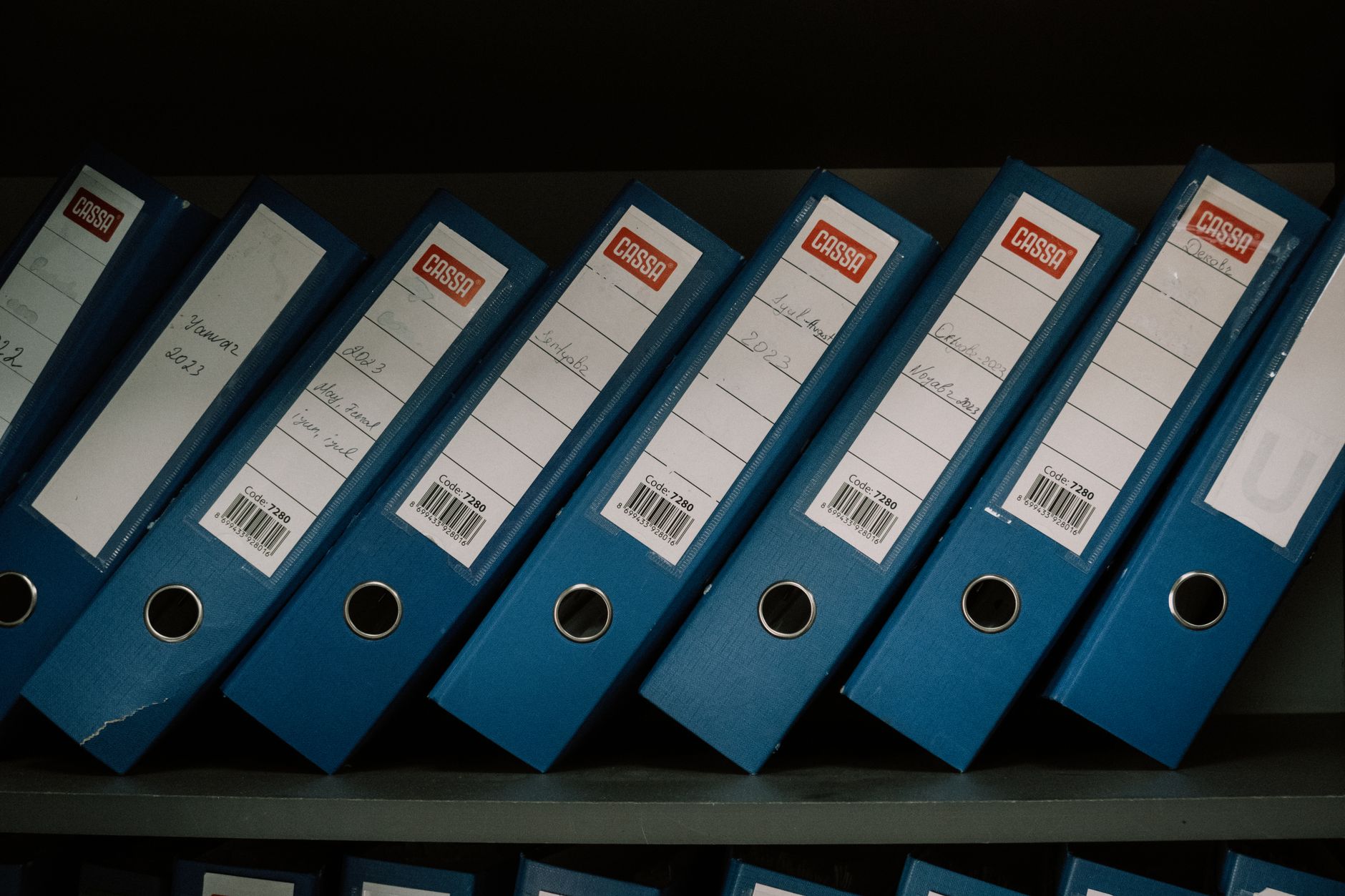
Think of it like a library. Instead of one massive shelf containing every book in the building, you organize them by genre. If you need a mystery novel, you go straight to the "Mystery" section rather than scanning the entire library.
Types of Partitioning
- Range Partitioning: Splitting data based on a range of values (e.g., date ranges). This is the gold standard for logs, audit trails, and historical records.
- List Partitioning: Splitting based on a discrete set of values (e.g.,
region = 'US',region = 'EU'). - Hash Partitioning: Distributing rows evenly across partitions using a hash function, which is excellent for load balancing but makes range queries across partitions more expensive.
Worked Example: Partitioning our Audit Logs
In our running SaaS project, we have an audit_logs table that tracks user activity. As our user base grows, this table will explode in size. We will use Range Partitioning on the created_at column.
SQL-- 1. Create the parent table
CREATE TABLE audit_logs (
    id SERIAL,
    user_id INT,
    action TEXT,
    created_at TIMESTAMP NOT NULL,
    PRIMARY KEY (id, created_at) -- PK must include the partition key
) PARTITION BY RANGE (created_at);

-- 2. Create partitions for specific months
CREATE TABLE audit_logs_y2023m10 PARTITION OF audit_logs
    FOR VALUES FROM ('2023-10-01') TO ('2023-11-01');

CREATE TABLE audit_logs_y2023m11 PARTITION OF audit_logs
    FOR VALUES FROM ('2023-11-01') TO ('2023-12-01');
When you query SELECT * FROM audit_logs WHERE created_at = '2023-10-15', the database engine performs partition pruning, automatically ignoring the November partition and searching only the October data.
Hands-on Exercise
Identify one table in your current SaaS project that is likely to grow indefinitely (Hint: think about events, logs, or transactions). Write the CREATE TABLE statement for a parent table using PARTITION BY RANGE on a created_at column. Then, manually define one partition for the current month.
Common Pitfalls
- Forgetting the Partition Key in the PK: In many database systems (like PostgreSQL), the partition key must be part of the table’s primary key or unique constraint.
- Over-partitioning: Creating thousands of partitions can slow down the query planner. Aim for a balance—monthly partitions are usually sufficient for most SaaS applications.
- Ignoring Maintenance: Partitioning doesn't automate data deletion. You still need to manage the lifecycle of old partitions (e.g.,
DETACH PARTITIONto archive data). If you find this challenging, revisit Database Partitioning and Sharding: Scaling Your Data Layer for advanced strategies.
FAQ
Q: Should I partition every table? A: No. Only partition tables that are expected to grow very large. Partitioning adds complexity; don't introduce it prematurely.
Q: Does partitioning replace indexing? A: Absolutely not. You still need indexes within your partitions to ensure fast lookups.
Q: Can I change a normal table into a partitioned table later? A: It is possible, but it usually requires a migration involving creating a new table and migrating data, which is an advanced operation. It is better to plan for growth using designing for scalability principles early.
Recap
We’ve learned that partitioning is a powerful tool for managing large data by breaking down monolithic tables. By using range partitioning, we improve query performance through pruning and simplify data maintenance tasks. As your database design evolves, always monitor your table growth to determine if partitioning is the right next step.
Up next: Schema Versioning Basics — learning how to manage these structural changes as your application evolves.
Work with me

AI Automation & Agentic Workflow Development
Automate the repetitive work eating your time — content pipelines, data workflows, and agentic AI tasks that run themselves.

Next.js Website & Landing Page Development
A blazing-fast, SEO-optimized website or landing page in Next.js — the kind that loads instantly and ranks. Design-to-code, done right.