Alerting and Incident Response: Building SRE Foundations
Learn to move from passive monitoring to active system ownership. Master alert thresholds, notification channels, and structured incident response plans.
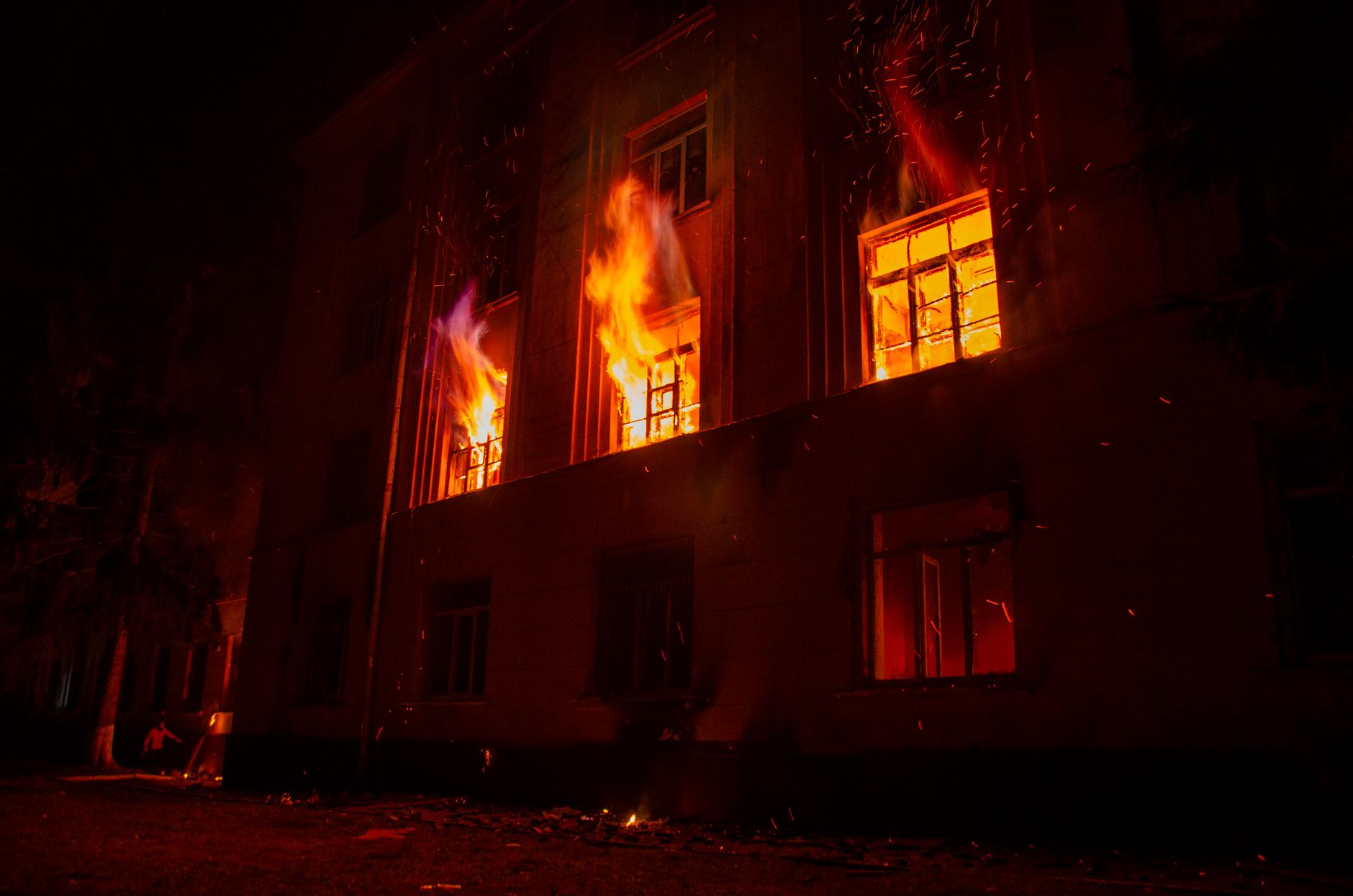
Previously in this course, we discussed Monitoring System Health: KPIs, Dashboards, and Health Checks, where we established how to track the pulse of your services. Monitoring tells you what is happening; alerting tells you when you need to stop what you're doing and fix it.
Effective alerting is not about knowing every time a CPU spikes; it’s about signaling when a user-facing objective is at risk. In the world of SRE (Site Reliability Engineering), we design systems to be resilient, but we must also design our human response to be predictable.
Defining Alert Thresholds: Signal vs. Noise
An alert should represent a "burn" of your error budget—if you aren't willing to wake up a human at 3 AM for an event, it shouldn't be a pager-level alert.
When setting thresholds, avoid "static" thresholds (e.g., CPU > 80%) where possible. Instead, focus on symptoms, not causes. If your latency increases, that’s a symptom. If your disk is full, that’s a cause, but it only matters if it prevents new data from being written.
- Critical: Immediate action required (e.g., 500-level error rate > 5%).
- Warning: Investigation required during business hours (e.g., latency p99 > 500ms).
- Info: Logged, but no notification required.
Configure Notification Channels
Once a threshold is breached, you need to route that information to the right person. In a production environment, you should never email alerts to a personal inbox. Use a dedicated incident management tool (like PagerDuty or Opsgenie) that supports:
- On-call schedules: Ensuring the right person is notified based on time-of-day.
- Escalation policies: If the primary engineer doesn't acknowledge, notify the secondary.
- Deduplication: Grouping 100 firing alerts into a single incident notification.
Writing an Incident Response Plan
An incident response plan isn't a technical manual; it's a social contract. It defines how your team behaves when things break. Your plan must include these four sections:
- Declaration: What is the criteria for an incident? (e.g., "Any outage impacting > 1% of users").
- Roles:
- Incident Commander (IC): Drives the process, manages communication.
- Operations Lead: Focuses on the "fix."
- Communications Lead: Updates stakeholders/customers.
- Communication: Where do we talk? (e.g., a specific Slack channel
#incident-alpha). - Handover: How do we transition between shifts?
Worked Example: Defining a Threshold
Let’s implement a basic threshold check using a conceptual monitoring tool (like Prometheus/Grafana style). We want to alert if our service error rate exceeds 5% over a 5-minute window.
YAML# alert_rules.yml
groups:
  - name: service_alerts
    rules:
      - alert: HighErrorRate
        expr: rate(http_requests_total{status=~"5.."}[5m]) / rate(http_requests_total[5m]) > 0.05
        for: 1m
        labels:
          severity: critical
        annotations:
          summary: "High error rate on service {{ $labels.service }}"
          description: "The error rate is above 5% for the last 5 minutes."
By adding for: 1m, we introduce hysteresis—the alert only fires if the condition persists for a full minute. This prevents "flapping" alerts caused by transient network blips.
Hands-on Exercise
- Identify a Metric: Look at your project design doc. What is the one metric that, if it went wrong, would stop your users from completing their primary task?
- Define the SLO: Write a sentence defining the healthy state of that metric (e.g., "99.9% of requests complete within 200ms").
- Draft the Plan: Write a 3-step checklist for what you would do if that metric crossed its threshold tonight.
Common Pitfalls
- Alert Fatigue: If you alert on everything, you will eventually ignore everything. Delete alerts that don't result in a concrete action.
- Missing Context: An alert that says "Service Down" is useless. An alert that says "Service Down, click here for the Runbook, here for the logs, and here for the last deploy" is a superpower.
- Ignoring Recovery: Often, teams alert on the fire but forget to alert when the system has recovered. You need "Resolution" notifications to stop the incident process.
FAQ
Q: Should I use email for alerts? A: No. Email is for non-urgent communication. Use PagerDuty, Opsgenie, or similar tools that support SMS/Push/Phone call notifications with escalation.
Q: What is a Runbook? A: A Runbook is a document linked in your alert description that provides the step-by-step instructions to diagnose and resolve that specific incident.
Q: How do I manage on-call? A: Follow the "blameless" culture. Rotate on-call duties so no single person bears the burden of night shifts, and ensure that on-call time is compensated with "off-call" time.
Recap
Alerting is the bridge between system health and human intervention. By focusing on symptoms (SLOs) rather than causes, you minimize noise. By formalizing your incident response plan, you turn chaotic crises into managed, repeatable processes. As you continue building your system design, remember that you are designing for the humans who will eventually maintain it.
Up next: Production Readiness Checklists
Work with me

Custom Email & File Storage System on Cloudflare (Google Workspace Alternative)
Your own private email + file storage suite on your domain — unlimited mailboxes, no per-seat fees. A self-owned Google Workspace alternative for a flat ~$5/month.

Next.js Website & Landing Page Development
A blazing-fast, SEO-optimized website or landing page in Next.js — the kind that loads instantly and ranks. Design-to-code, done right.