Building a Maintenance Workflow: The Ultimate SEO Routine
Master your SEO workflow with a practical monthly checklist, scheduled content reviews, and a proactive routine for monitoring Google Search Console alerts.

Previously in this course, we covered how to diagnose and resolve Fixing Basic Technical Issues: 404 Errors and Redirects to keep indexability clean. This lesson adds a recurring operational rhythm, establishing a systematic maintenance workflow so your site stays healthy, visible, and optimized month after month.
SEO is not a one-and-done project. Without an ongoing routine, rankings slowly decay, internal links break as content shifts, and technical errors creep in unnoticed. Building a repeatable maintenance workflow transforms SEO from a guessing game into a predictable operational discipline.
Why an SEO Workflow Matters
When you first optimize a site—handling keyword research, on-page tags, and technical setups—you establish a baseline. But search algorithms evolve, competitors publish new material, and your own site expands.
A structured maintenance routine ensures that you:
- Catch technical issues (like broken links or indexing blocks) before they impact rankings.
- Identify underperforming pages that need a content refresh.
- Maintain high content quality standards to align with modern search engine expectations.
Let’s break down how to design a sustainable monthly routine for your project site.
Creating Your Monthly SEO Checklist
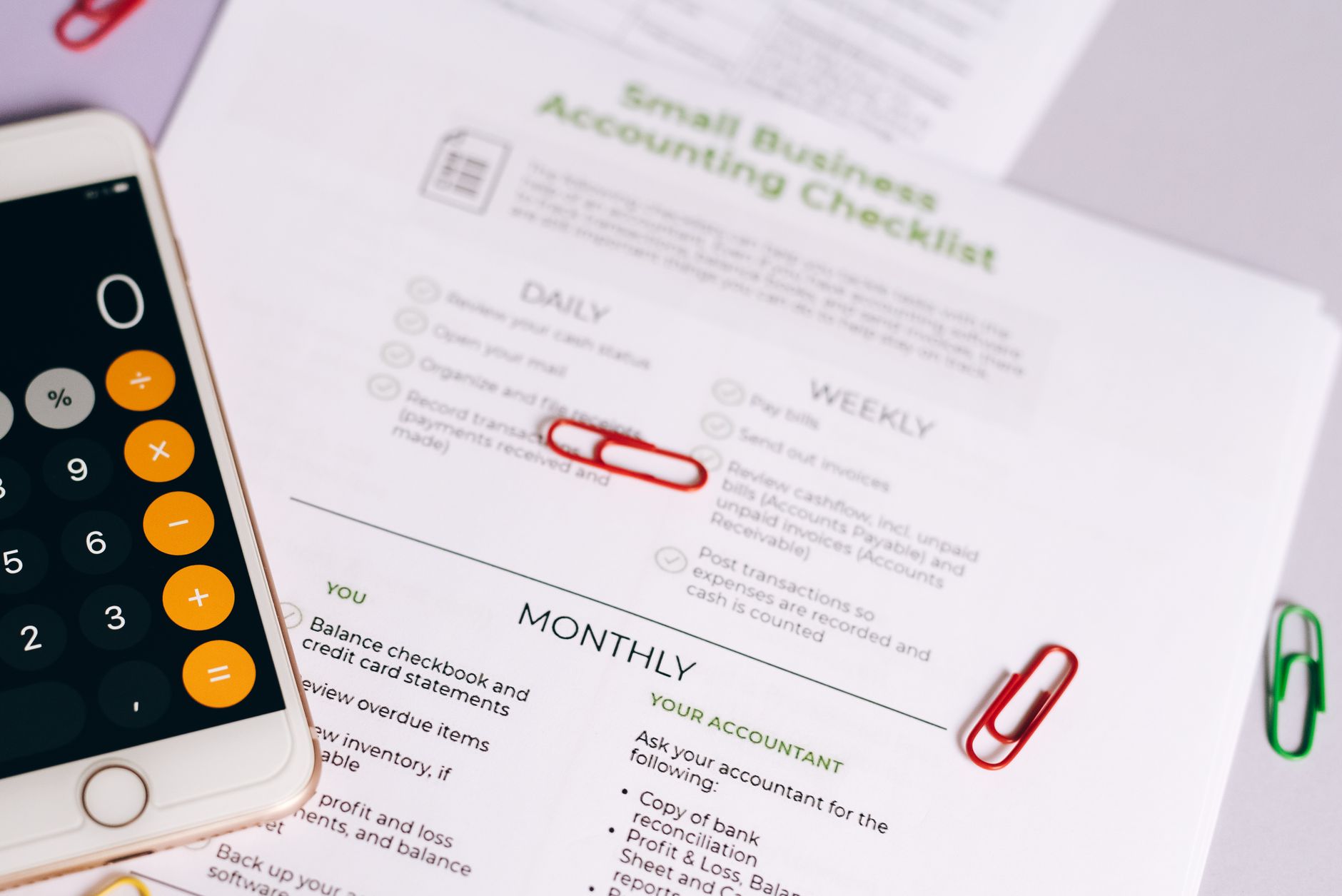
To keep maintenance manageable, divide your tasks into weekly, monthly, and quarterly buckets. Trying to do everything at once leads to burnout; breaking tasks into a calendar ensures consistent execution.
1. Weekly Checks (15–30 Minutes)
- Monitor Search Console Warnings: Log into Google Search Console (GSC) to check for sudden spikes in page indexing errors, manual actions, or security issues.
- Review Core Performance: Glance at clicks and impressions in GSC to spot any sudden drops or abnormal traffic shifts.
2. Monthly Maintenance Checklist (1–2 Hours)
- Check for Broken Links: Run an internal scan or review your coverage report to find any new 404 errors (Fixing Basic Technical Issues: 404 Errors and Redirects).
- Audit Low-Hanging Fruit: Identify pages showing high impressions but low click-through rates, and update their title tags or headings (Identifying Low-Hanging Fruit: Quick SEO Wins for Your Site).
- Review Internal Linking: Ensure any newly published content links back to your core category and foundational pages (Strategic Internal Linking: Guide to Site Architecture & Rank).
3. Quarterly Content Reviews (2–4 Hours)
- Evaluate Content Freshness: Look at your top-performing posts and pages. Do they reference outdated statistics or old workflows? Update them to maintain authority.
- Competitor Gap Analysis: Check if new competitors have entered your primary keyword space and review their content depth.
Setting Up Search Console Monitoring
Google Search Console is your early-warning system. Instead of logging in aimlessly every day, set up a structured monitoring process.
TEXT+-------------------------------------------------------+
                GSC MONITORING PIPELINE
+-------------------------------------------------------+
  [ Weekly GSC Login ] ---> [ Check Coverage Reports ]
                                   |
                                   v
  [ Fix Critical Errors ] <--- [ Spot Traffic Drops ]
+-------------------------------------------------------+
- Email Alerts: Ensure your primary email is connected to GSC so Google can notify you immediately if it detects a critical indexing drop, security vulnerability, or manual penalty.
- The Performance Review Routine: On the first Monday of every month, filter your GSC Performance report by the last 28 days and compare it against the previous period. Look for queries where your average position slipped from position 4-8 down to 12-15—these are prime targets for a content update.
Hands-On Exercise: Draft Your SEO Calendar
Open your calendar app (Google Calendar, Outlook, or Notion) and set up the following recurring events for your project site:
- Every Monday (15 mins): GSC health check and alert review.
- First Friday of Every Month (1 hour): Complete the Monthly SEO Checklist (check 404s, review low-hanging fruit, verify recent internal links).
- Every 3 Months (2 hours): Conduct a content freshness audit on your top 5 most important pages.
Common Pitfalls in SEO Maintenance
- Over-complicating the routine: If your checklist takes six hours to complete every week, you will stop doing it. Keep your routine lean and actionable.
- Ignoring small dips: A 5% drop in impressions week-over-week might be normal seasonality, but ignoring it for three months can turn a minor fluctuation into a traffic crash.
- Focusing only on new content: Publishing constantly without updating older pages creates a bloated site with decaying value. Maintenance is just as important as creation.
Recap

Establishing a reliable maintenance workflow ensures that your early optimization work compounds over time. By combining a monthly SEO checklist, scheduled content reviews, and proactive Search Console monitoring, you protect your site against technical decay and keep your rankings stable.
Up next: Scaling Your SEO Strategy (course final lesson).
Work with me

AI Automation & Agentic Workflow Development
Automate the repetitive work eating your time — content pipelines, data workflows, and agentic AI tasks that run themselves.

Headless WordPress + Next.js Frontend Development
Keep WordPress for content, get a lightning-fast Next.js frontend. The best of both worlds — familiar editing, modern speed.