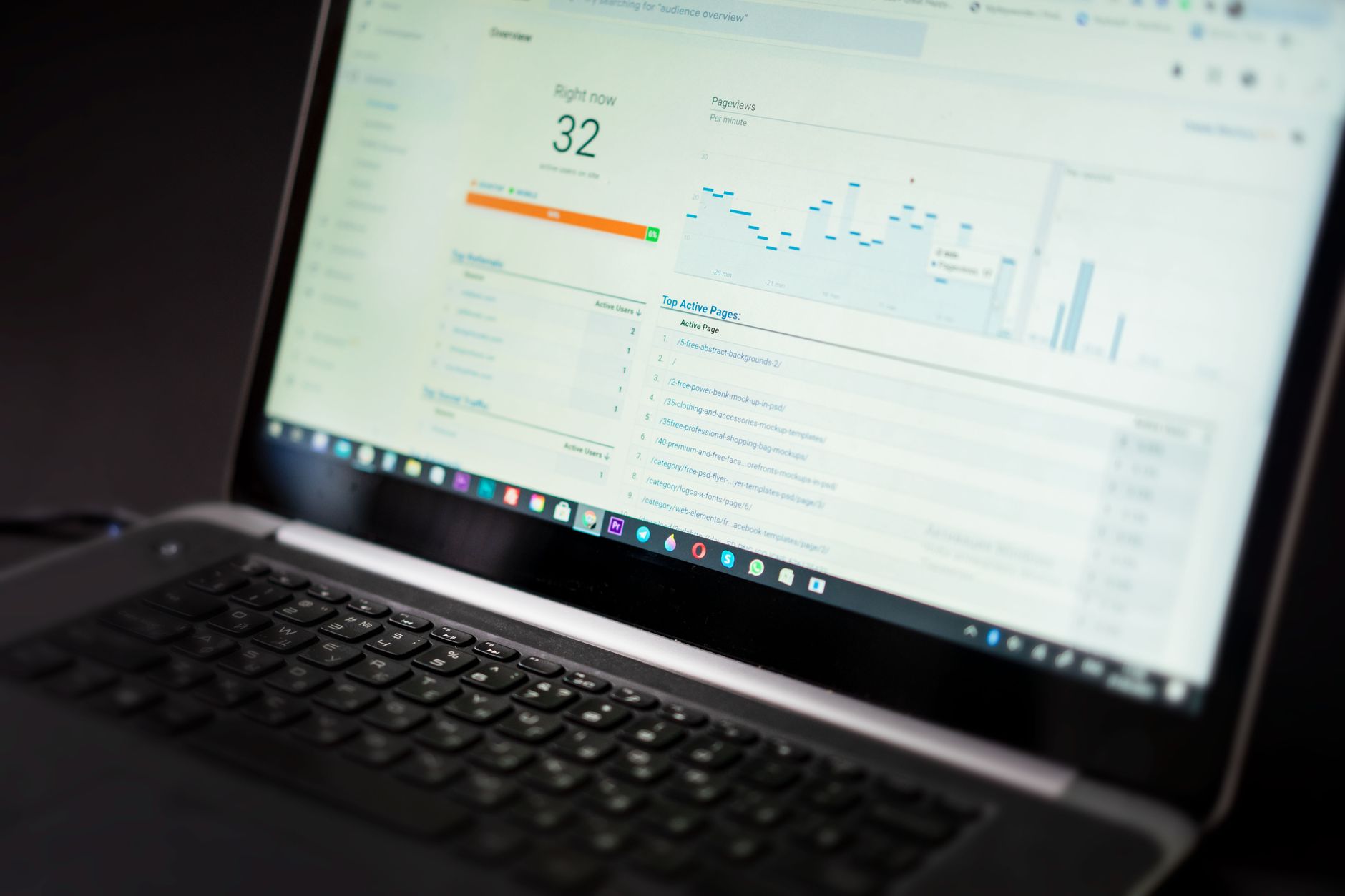
Integrating Search Console and GA4 for Insight: A Guide
Learn how to connect Search Console to GA4, track keyword-to-conversion paths, and build custom SEO performance reports for your site.

Previously in this course, we looked at how to clean up your link profile in Managing Link Equity and Disavow Workflows. Now, we add analytics integration to measure the actual revenue and user behavior driven by those links and rankings.
Data silos kill SEO growth. You might know you rank #3 for a high-value query, or you might see sessions spiking in Google Analytics 4 (GA4). But unless you connect these two platforms, you are guessing how organic search terms translate into real business value.
Integrating Search Console and GA4 bridges this gap. It connects what users search for before they arrive with what they actually do after they land on your site.
Why Connect Google Search Console and GA4?
Google Search Console (GSC) tells you about the top of the funnel: impressions, clicks, average position, and search queries. GA4 tells you about the middle and bottom of the funnel: page views, user engagement, events, and conversions.
By default, GA4 masks organic keyword data as (not provided). When you link GSC to GA4, Google injects Search Console dimensions directly into your GA4 reporting interface and BigQuery exports. This unlocks three critical capabilities:
- True Keyword-to-Conversion Attribution: See which exact search queries lead to purchases, sign-ups, or lead form submissions.
- Landing Page vs. Query Alignment: Discover which pages rank for queries you didn't explicitly optimize for, allowing you to refine your content.
- Unified Exploration Reports: Build custom dashboards using both search metrics (clicks, impressions) and behavioral metrics (engagement rate, conversions) in a single view.
Step-by-Step: Connecting GSC to GA4

Before linking, ensure you have Editor permissions in GA4 and Owner permissions for the corresponding property in Google Search Console. Both properties must sit within the same Google account.
- Open your GA4 property and click on Admin (the gear icon at the bottom left).
- In the Property column, scroll down to the Product links section and click Search Console links.
- Click the Link button in the top right.
- Under Choose Search Console accounts, click Choose accounts and select the GSC property for your site. Click Confirm.
- Select the web data stream for your site and click Next.
- Review your configuration settings, click Submit, and you're done.
Note: Data can take up to 48 hours to populate in your GA4 reports after establishing the link.
Tracking Keyword-to-Conversion Paths
Once connected, two new report collections become available in GA4 under your Reports > Acquisition menu: Google Search Console and Landing pages.
To build a custom exploration that maps exact search queries to conversions, use GA4's Explore tab (Free Form report):
- Navigate to Explore in the left-hand navigation and select Free form.
- In the Variables column on the left, click the + icon next to Dimensions and add:
Organic Google Search QueryLanding page + query string
- Click the + icon next to Metrics and add:
SessionsEngaged sessionsConversionsTotal revenue(if applicable)
- Drag
Organic Google Search Queryinto the Rows section. - Drag
Sessions,Engaged sessions, andConversionsinto the Values section.
+--------------------------------+----------+-------------------+-------------+
| Organic Google Search Query    | Sessions | Engaged sessions  | Conversions |
+--------------------------------+----------+-------------------+-------------+
| advanced technical seo audit   |   1,240  |        980        |     42      |
| pillar cluster architecture    |     850  |        710        |     28      |
| json ld schema generator       |     620  |        410        |      5      |
+--------------------------------+----------+-------------------+-------------+
This report immediately reveals which queries drive vanity traffic versus actual revenue. Notice how json ld schema generator generates high sessions but low conversions, while advanced technical seo audit converts at a much higher rate despite lower volume. This insight directly informs your content prioritization.
Hands-On Exercise

Log into your staging or client GA4 property and complete the following exercise:
- Verify whether your Search Console account is linked to your GA4 property using the steps outlined above.
- Open the Explore section in GA4 and create a new Free Form exploration.
- Filter the report to show only queries where
Conversions > 0. - Identify your top 3 revenue-generating or conversion-driving organic search queries. Export this table to CSV for your monthly SEO reporting template.
Common Pitfalls to Avoid
- Discrepancies in Clicks vs. Sessions: GSC measures clicks (user clicks a link on the SERP), while GA4 measures sessions (a user arrives and triggers the session start event). Due to tracking blockers, redirects, and session timeout rules, these numbers will never match. Look at trends rather than absolute parity.
- Sampling Issues on High-Traffic Sites: If your site receives millions of monthly visits, standard GA4 standard reports may sample your data. Use BigQuery integration for unsampled query-to-conversion analysis.
- Ignoring Landing Page Intent: Don't judge a query solely by its conversion rate. Informational queries often sit at the top of the funnel; pair them with mid-funnel cluster pages to capture the full user journey.
Recap
Integrating Search Console and GA4 transforms your analytics from isolated metric silos into a unified growth engine. By mapping search queries directly to user engagement and conversions, you can focus your optimization efforts on content that moves business metrics, not just vanity rankings.
Up next, we will explore Measuring the ROI of Technical and Content Fixes to quantify the financial return of your SEO roadmap.
Work with me

AI Automation & Agentic Workflow Development
Automate the repetitive work eating your time — content pipelines, data workflows, and agentic AI tasks that run themselves.

Next.js Full-Stack Web App Development
A fast, SEO-ready full-stack web app built with Next.js 16 — from idea to deployed product, by an engineer who ships to production.