Mastering Code Review: A Guide to Feedback and Collaboration
Learn how to provide constructive feedback on a pull request and how to address review comments with new commits to keep your collaboration workflow moving.
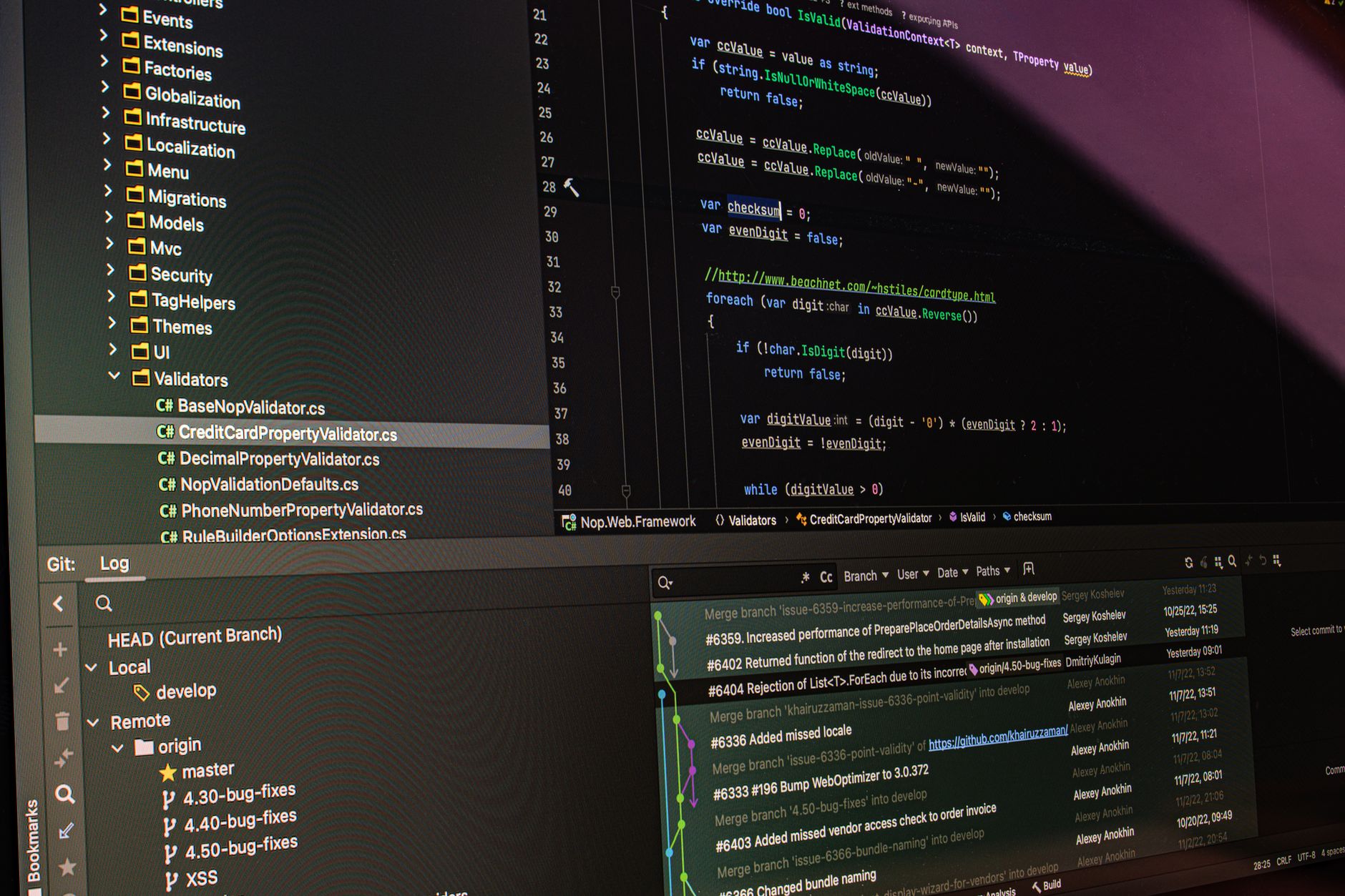
Previously in this course, you learned how to propose changes by creating pull requests. Now that you’ve opened a PR, you need to navigate the human side of software engineering: the code review.
Code review is the primary mechanism for quality control and knowledge sharing in engineering teams. It isn't just about finding bugs; it's about ensuring your code is maintainable, readable, and consistent with the project's standards.
The Mechanics of a Code Review
When you open a PR, a reviewer will inspect your changes. On GitHub, they do this by navigating to the "Files changed" tab of your pull request. They can click on any line of code to leave a comment.
Providing Constructive Feedback
If you are the reviewer, your goal is to help the author improve the code. Avoid subjective language. Instead of saying, "This is bad," explain why a specific approach might cause issues later.
- Ask questions: "What happens if this function receives a null value?"
- Suggest improvements: "I think using a constant here would make this more readable."
- Be clear about requirements: Explicitly state if a comment is a "nits" (a minor suggestion) or a "blocker" (something that must be fixed before merging).
Addressing Feedback with New Commits
When you receive feedback, don't panic. Code review is a collaborative process, not a personal critique. Once you have comments on your PR, follow these steps to address them:
- Understand the request: If a reviewer asks for a change, ensure you understand the reasoning. If you disagree, reply in the thread to discuss the trade-offs.
- Make the changes locally: Switch to your feature branch (
git switch feature-branch). - Commit your fixes: Make the requested changes in your editor. Save the files, stage them (
git add <file>), and commit them with a descriptive message (git commit -m "Address review feedback: update function logic"). - Push the updates: Run
git push origin <your-branch-name>.
Because your pull request is linked to that specific branch, GitHub will automatically update the PR with your new commits. The reviewer will be notified, and they can verify your fixes.
Worked Example: Updating a Pull Request
Imagine a reviewer asked you to rename a variable in app.py for better clarity.
1. Switch to your branch:
Bashgit switch feature-login-page
2. Make the change in your editor. 3. Verify the change:
Bashgit status
# Output shows app.py is modified
4. Stage and commit:
Bashgit add app.py
git commit -m "Refactor: rename user_id to session_id for clarity"
5. Push to GitHub:
Bashgit push origin feature-login-page
Once you push, the "Files changed" tab on your GitHub PR will automatically reflect the new, cleaner code.
Hands-on Exercise
- Navigate to your repository on GitHub and open the Pull Request you created in the previous lesson.
- If you are working alone, "self-review" your code. Click on a line of code, click the
+icon, and leave a comment suggesting a small improvement (e.g., adding a comment or changing a variable name). - Click "Start a review" or "Add single comment."
- Now, implement that change locally, commit it, and push it to your branch.
- Observe how the PR updates automatically.
Common Pitfalls
- Arguing over formatting: Avoid "bike-shedding"—arguing over indentation or minor stylistic choices that don't affect functionality. Use automated linters instead, as discussed in bike-shedding in code reviews.
- Ignoring feedback: Never merge your own PR if there are unresolved comments. Always reply to the reviewer to acknowledge the feedback.
- Overloading commits: Don't delete your old code and rewrite the whole file just to fix a small suggestion. Keep your "fix" commits focused strictly on the requested changes.
Frequently Asked Questions
Q: What if I don't agree with the reviewer's feedback? A: Discuss it! It is perfectly professional to say, "I considered that, but I chose this approach because [reason]. What do you think?"
Q: Should I squash my feedback commits? A: For now, keep them separate. As you advance, you'll learn about git squash and merge to keep history clean later.
Q: Can I edit files directly in GitHub? A: Yes, you can click the pencil icon on a file in the PR to make quick edits without using the command line. This is great for tiny typos but less ideal for complex logic changes.
Recap
Code review is a conversation. By addressing feedback with new commits and pushing them to your existing feature branch, you maintain a clear audit trail of how the code evolved to its final, approved state. Stay professional, focus on the code, and use the PR as a space for learning.
Up next: We will begin our project setup strategy to standardize how we organize our repositories.
Work with me

AI Automation & Agentic Workflow Development
Automate the repetitive work eating your time — content pipelines, data workflows, and agentic AI tasks that run themselves.

Next.js Website & Landing Page Development
A blazing-fast, SEO-optimized website or landing page in Next.js — the kind that loads instantly and ranks. Design-to-code, done right.