Container Orchestration Concepts: Docker Compose vs Kubernetes
Master container orchestration concepts by comparing Docker Compose and Kubernetes. Learn when scaling requires a production orchestrator.
Previously in this course, we monitored container health using built-in mechanisms, as covered in Container Health Monitoring. This lesson adds a macro-level perspective: instead of managing individual containers or single-host multi-container stacks, we look at how to coordinate workloads across clusters of machines.
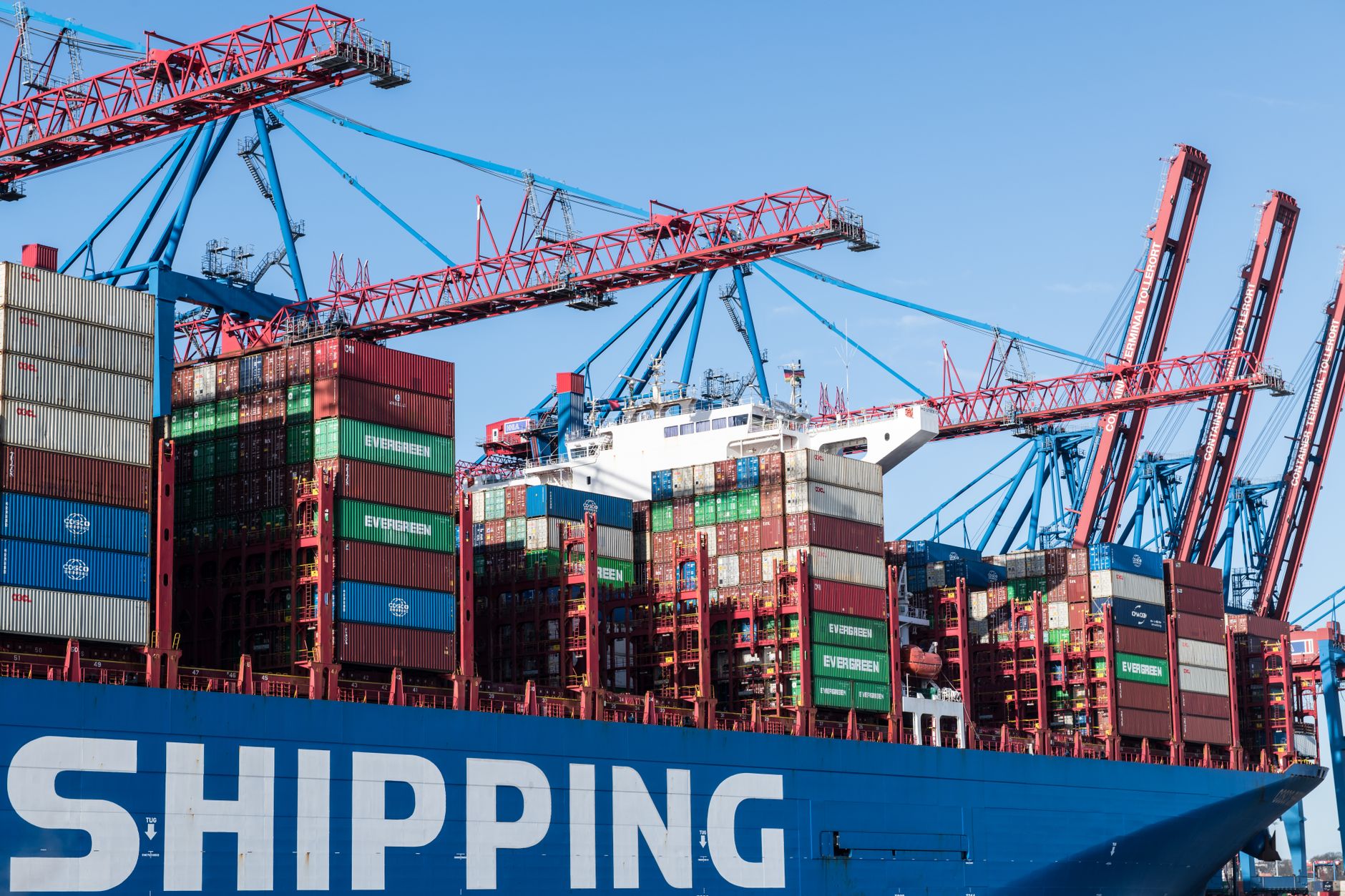
As our running multi-service application outgrows a single server, manual execution and single-host tools like Docker Compose hit their limits. Container orchestration solves this problem by automating the deployment, scaling, and management of containerized applications across multiple compute nodes.
What is Container Orchestration?
When you run a few containers on your laptop, Docker Engine handles the heavy lifting. But what happens when your web application gets millions of requests and needs to run across ten different servers? Who decides which server runs which container? What happens if a server catches fire?
Container orchestration is the automated management of the entire lifecycle of containers, particularly in dynamic, multi-node environments. An orchestrator acts as an operating system for your cluster. You declare the desired state of your application—for example, "always keep 5 instances of the web frontend running"—and the orchestrator constantly reconciles the actual state with your desired state.
Key responsibilities of an orchestrator include:
- Scheduling: Deciding which node in a cluster should run a specific container based on resource availability, constraints, and affinity rules.
- Automatic Scaling: Adding or removing container replicas based on CPU load, memory utilization, or custom metrics (similar to what you might explore when Scaling Deployments with Kubernetes: Orchestrating ML Inference).
- Self-Healing: Restarting failed containers, replacing containers on dead nodes, and routing traffic away from unhealthy instances.
- Service Discovery & Load Balancing: Automatically exposing containers to the network and distributing incoming requests across healthy replicas.
Comparing Docker Compose to Kubernetes
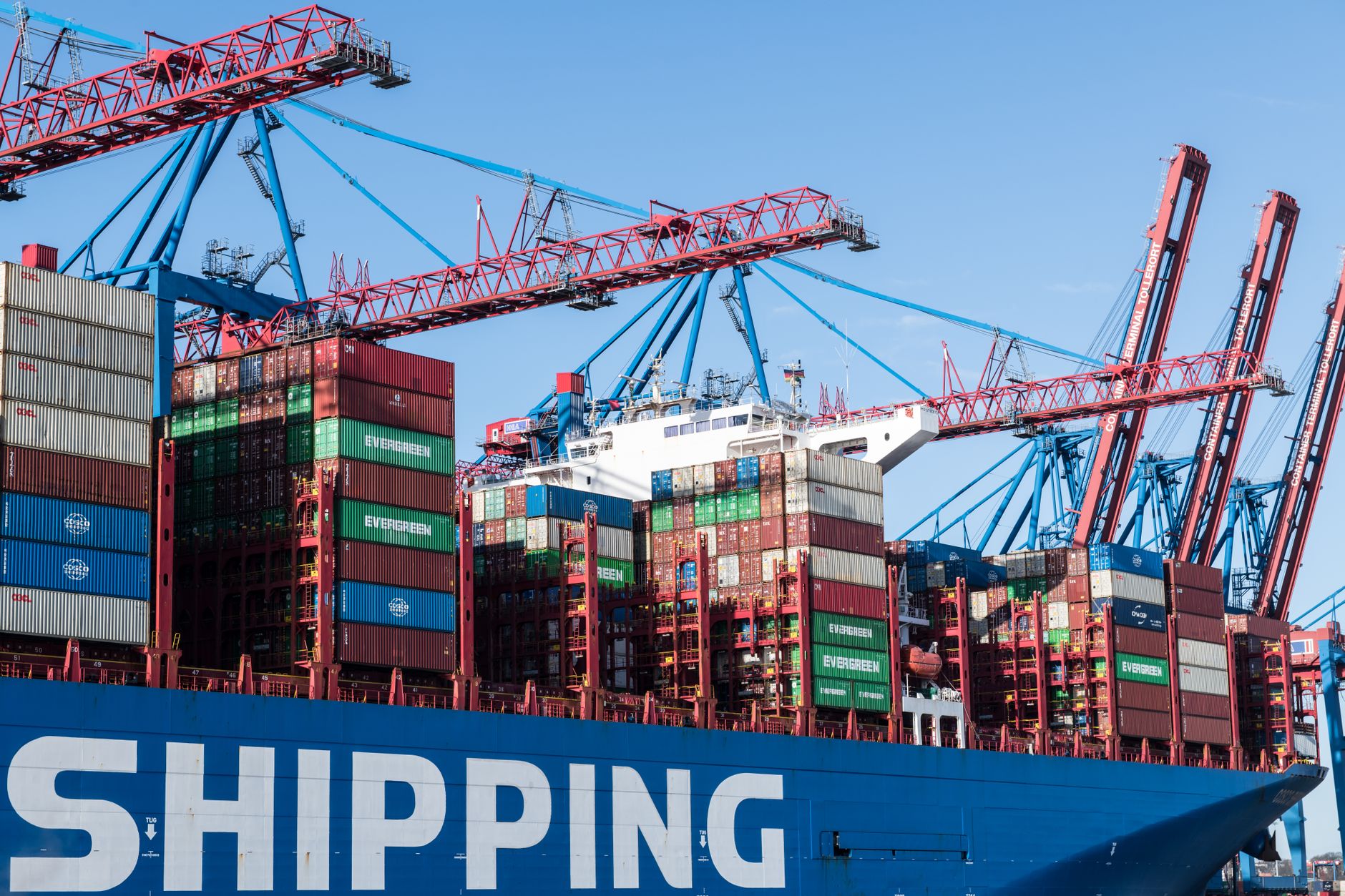
Developers often start their journey using Docker Compose because it is simple and runs entirely on a single host. However, Compose is fundamentally different from a production-grade orchestrator like Kubernetes.
| Feature | Docker Compose | Kubernetes |
|---|---|---|
| Scope | Single machine / host | Multi-node cluster |
| Scheduling | Runs all containers on the local Docker daemon | Intelligently schedules workloads across a pool of worker nodes |
| High Availability | None (if the host goes down, everything stops) | High (reschedules pods on surviving nodes automatically) |
| Auto-Scaling | Manual (docker compose up --scale) | Automated via Horizontal Pod Autoscalers |
| Complexity | Low (single YAML file, minimal boilerplate) | High (requires understanding nodes, pods, services, and control planes) |
While Compose defines how services interact on one machine, Kubernetes coordinates where and how workloads execute across a resilient infrastructure fabric. When your application grows in complexity, you often transition workloads to leverage cluster-wide networking patterns, much like those discussed in Advanced Networking Concepts: Understanding the CNI and Pod Traffic.
Identifying Scaling Needs
How do you know when your project has outgrown single-host deployment? Look for these classic indicators:
- Resource Saturation: Your single server's CPU or memory is maxed out, and you cannot vertically scale the hardware any further.
- Single Point of Failure: If the host machine reboots for kernel updates, your entire multi-service application goes offline.
- Traffic Spikes: Static scaling via scripts cannot keep up with erratic, unpredictable user traffic patterns.
- Multi-Region Requirements: You need to deploy instances closer to users in different geographical regions.
When you hit these bottlenecks, manual adjustments become unsustainable, prompting engineers to adopt declarative workflows like Scaling Applications: Manually Adjusting Kubernetes Workloads with kubectl.
Worked Example: Declarative State Comparison
To understand the shift in mindset, look at how Docker Compose defines scale versus how Kubernetes handles a workload deployment.
In Docker Compose, scaling is an imperative or fixed setting in your docker-compose.yml:
YAMLservices:
  web:
    image: my-web-app:latest
    deploy:
      replicas: 3
    ports:
      - "80:80"
When you run docker compose up -d, Docker starts three containers on your local daemon. If one container crashes due to an out-of-memory error, Docker Compose (depending on restart policies) might restart it on the same host, but it cannot move it to another machine if the current host fails.
In contrast, a Kubernetes Deployment manifest defines a declarative contract with the cluster control plane:
YAMLapiVersion: apps/v1
kind: Deployment
metadata:
  name: web-deployment
spec:
  replicas: 3
  selector:
    matchLabels:
      app: web
  template:
    metadata:
      labels:
        app: web
    spec:
      containers:
      - name: web
        image: my-web-app:latest
        resources:
          limits:
            cpu: "500m"
            memory: "512Mi"
Here, the Kubernetes control plane continuously monitors cluster state. If a worker node fails, the control plane notices the missing pod replicas and immediately schedules new ones on healthy nodes elsewhere in the cluster.
Hands-on Exercise: Assessing Architecture Requirements
For this lesson's exercise, perform a brief architectural audit of our running multi-service project:
- Review your current project configuration (from lessons like Connecting a Web App to a Database).
- Write down three distinct failure scenarios if this stack were deployed to a single virtual private server (VPS).
- Identify which specific orchestrator feature (e.g., node scheduling, automatic failover, self-healing) would mitigate each failure scenario.
Common Pitfalls
- Treating Kubernetes like Docker Compose: Kubernetes is not just a bigger version of Compose. It introduces new abstractions (Pods, Services, Ingress) that require a deep understanding of cluster mechanics.
- Over-Orchestrating Early: Adopting Kubernetes for a simple, low-traffic monolith introduces unnecessary operational overhead. Stick with Compose or single-host Docker until scaling demands justify the complexity.
- Ignoring Resource Requests and Limits: In an orchestrator, failing to set CPU and memory limits can cause a single runaway container to starve neighboring workloads of resources.
FAQ
Is Docker Compose dead if I learn Kubernetes?
No. Docker Compose remains the gold standard for local development and testing environments. Many teams use Compose to spin up dependencies on their laptops and deploy to Kubernetes in production.
Can Kubernetes run on a single machine?
Yes. Tools like Minikube, Kind (Kubernetes in Docker), and K3s allow you to run a fully functional Kubernetes cluster locally for testing and development.
When should I make the jump from Compose to an orchestrator?
Make the jump when you require high availability across multiple physical or virtual hosts, automated self-healing for node failures, or dynamic auto-scaling driven by traffic metrics.
Recap
Container orchestration moves us beyond single-host container management by automating scheduling, self-healing, and scaling across clusters. While Docker Compose excels at local development, production-grade workloads rely on orchestrators like Kubernetes to maintain desired state and high availability.
Up next: Troubleshooting Network Policies.
Work with me

CI/CD Pipeline & Docker Containerization
Ship with confidence: automated CI/CD pipelines and Docker setups so every push is tested and deployed — no more manual, error-prone releases.

Next.js Full-Stack Web App Development
A fast, SEO-ready full-stack web app built with Next.js 16 — from idea to deployed product, by an engineer who ships to production.