Final Review and Cleanup: Teardown and Documentation Guide
Master the project cleanup process in Docker. Learn to systematically teardown stacks, remove orphaned volumes, and write professional project documentation.
Previously in this course, we reached a major milestone in Finalizing your Docker project structure. Now that your multi-service application is stable and structured, this lesson focuses on the final stage of the development lifecycle: professional cleanup and documentation.
In DevOps, knowing how to clean up your environment is as vital as knowing how to deploy to it. A cluttered development machine leads to "ghost" resource consumption and configuration drift.
The Teardown Strategy: Beyond 'docker stop'
When you're ready to dismantle your testing stack, you shouldn't just kill processes. You need to remove the entire ecosystem of containers, networks, and volumes to ensure a "clean slate" for your next project.
1. Stopping and Removing the Stack
If you have used docker-compose to build your project, the teardown is straightforward but must be thorough. Using docker-compose down is the standard, but it often leaves behind volumes if you don't explicitly target them.
Bash# Standard stop and remove containers/networks
docker-compose down

# Stop, remove containers/networks, AND remove persistent volumes
docker-compose down -v
The -v flag is the most important part of this command. Without it, your database data remains on your host machine, which can cause unexpected issues when you try to restart the project later.
2. Pruning Orphaned Resources
Even after a down -v, you might have dangling images or networks from previous iterations. Use the pruning commands to reclaim disk space:
| Command | Purpose |
|---|---|
docker system prune | Removes all stopped containers, unused networks, and dangling images. |
docker volume prune | Removes all local volumes not used by at least one container. |
docker image prune -a | Removes all images not used by any container (including those not "dangling"). |
Warning: Be careful with docker system prune -a as it will remove images you might want to keep for other projects.
Documenting the Project Lifecycle
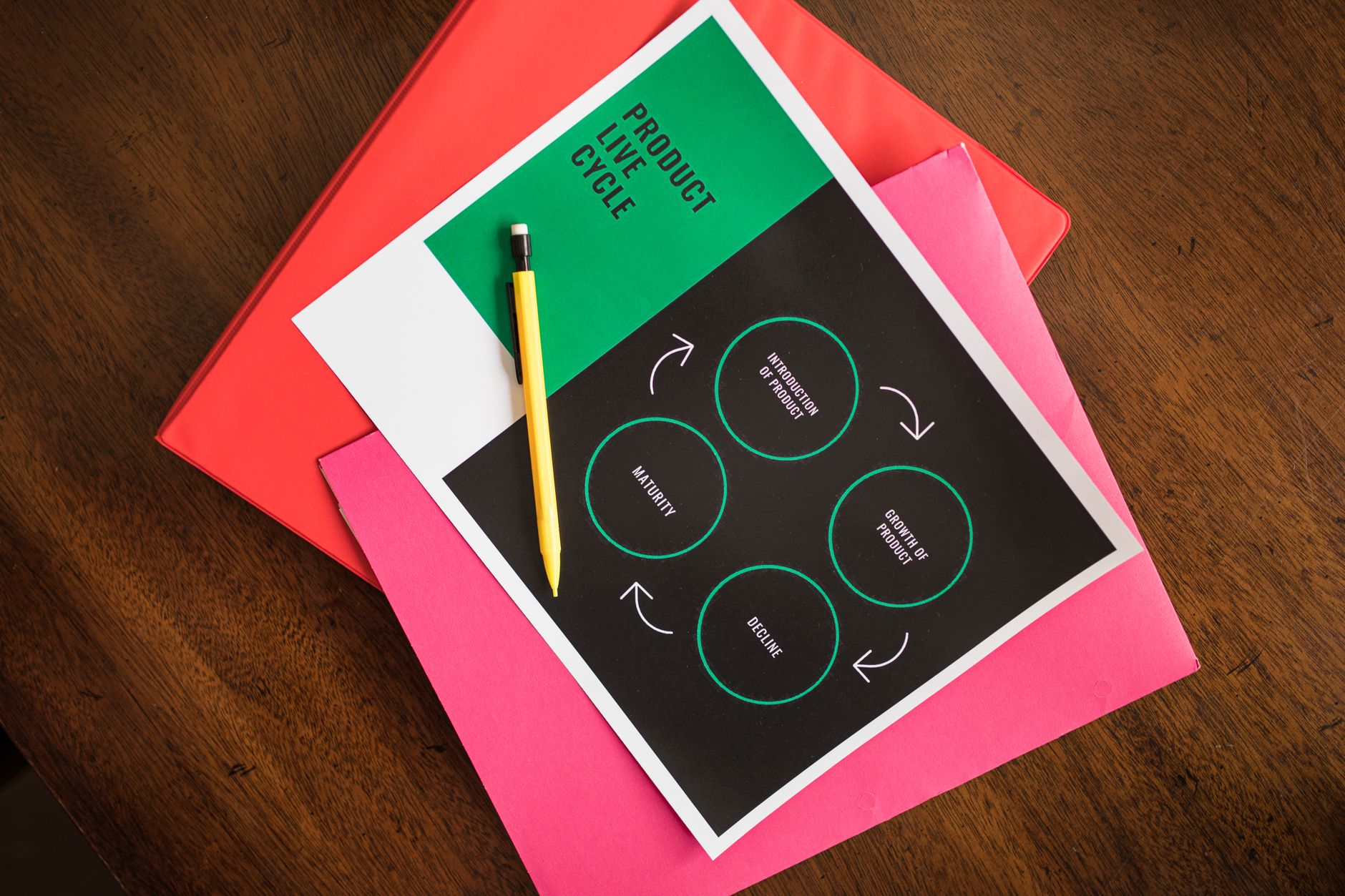
A project isn't "finished" until it has a README that allows a collaborator (or your future self) to reproduce the environment. Your documentation should act as the "source of truth" for the lifecycle of your application.
Essential README Sections
Your README.md should include these three pillars:
- Project Overview: A one-paragraph summary of what the stack does.
- Prerequisites: List the versions of Docker and Docker Compose required (e.g., "Docker Engine v20.10+").
- Setup and Teardown: Provide the exact commands to build, start, and tear down the environment. If you want to see how to communicate technical steps to stakeholders, you can look at Documenting ML projects for inspiration on clarity.
Hands-on Exercise: The Clean Sweep
- Run
docker ps -ato see if any containers remain. - Execute
docker-compose down -vin your project root. - Run
docker system pruneto clear out remaining build caches and unused networks. - Write a
README.mdfile in your repository that summarizes how to deploy the stack you've built throughout this course.
Common Pitfalls
- Forgetting Volumes: Many developers delete containers but forget the named volumes, which can hide stale database state. Always use
-vduring cleanup. - Hard-coded Paths: If your documentation references specific file paths on your machine, it will fail on other systems. Use relative paths in your
docker-compose.ymland document them accordingly. - Ignoring Logs: Before you tear down the stack, ensure you’ve captured any necessary debug logs. Once the volumes are gone, that data is unrecoverable.
FAQ
Q: Does docker-compose down remove my custom images?
A: No, it only removes the containers and networks defined in the file. Your built images will remain until you prune them or manually remove them with docker rmi.
Q: What if I have a volume I need to keep?
A: Use named volumes. If you need to back them up, do so before running docker-compose down -v.
Recap
Cleaning up is a professional habit that prevents resource bloat. By mastering the down -v command and pruning your system, you ensure that your development machine stays performant. Combine this with clear documentation, and you've successfully completed the full lifecycle of a Docker-based project.
Up next: We'll dive into Advanced Dockerfile Directives to start hardening our images for production.
Work with me

CI/CD Pipeline & Docker Containerization
Ship with confidence: automated CI/CD pipelines and Docker setups so every push is tested and deployed — no more manual, error-prone releases.

VPS Server Setup, Deployment & Hardening
Get your app live on a fast, secure server — properly configured, hardened, and deployment-ready. No more wrestling with the command line.