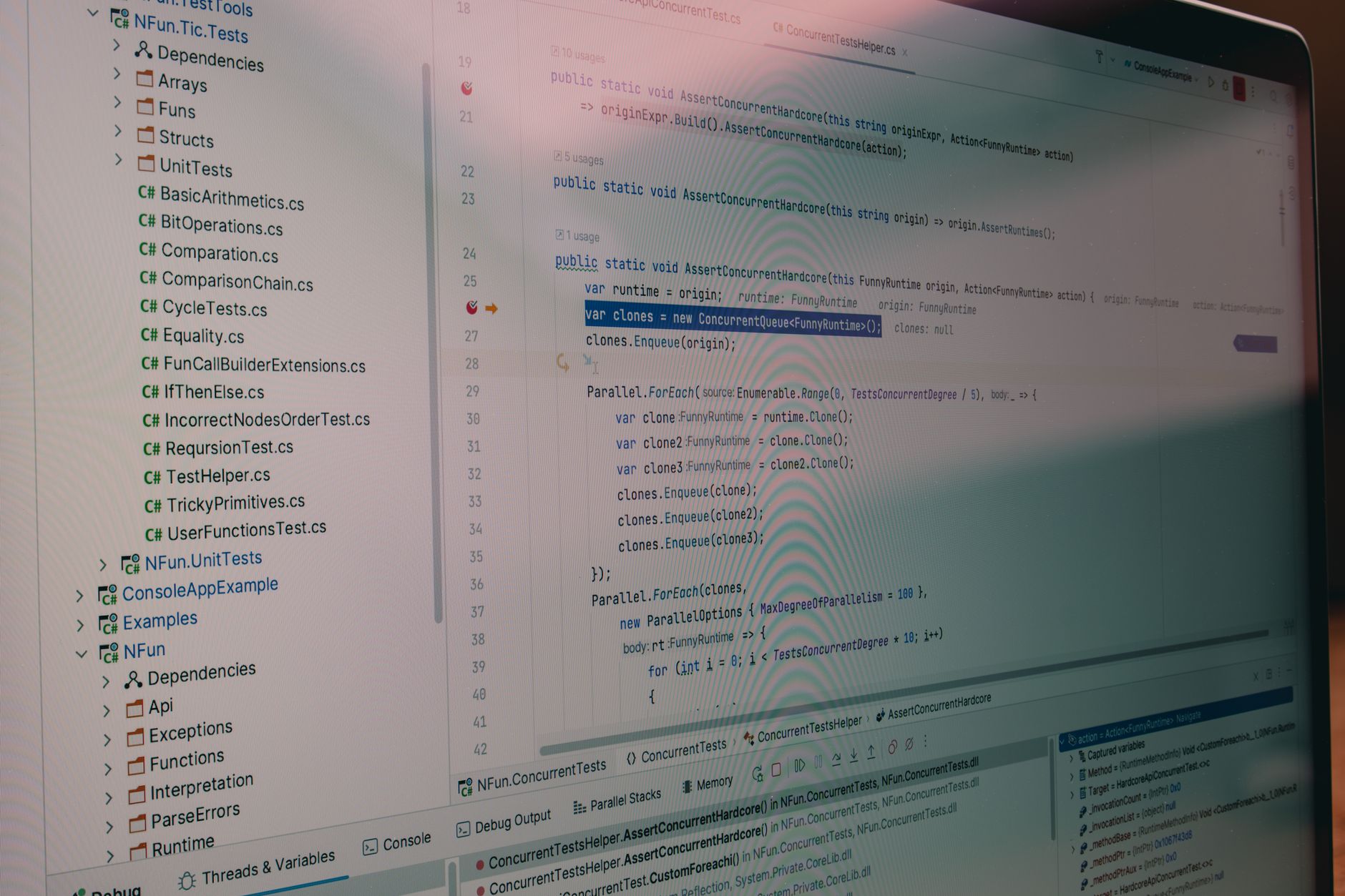
First Steps into Unit Testing: Automate Your Quality Assurance
Ready to move beyond manual checks? Learn how to install a testing framework, write your first unit test, and automate your code validation process today.

Previously in this course, we explored The Testing Pyramid and established why unit tests form the bedrock of a stable, maintainable codebase. Now, we shift from theory to practice: you will install a testing framework, write your first automated test, and run it to verify a piece of project logic.
Unit testing is the practice of testing the smallest "unit" of code—usually a single function or method—in complete isolation. By automating these checks, you create a safety net that warns you immediately when a change breaks existing functionality.
Choosing and Installing a Test Framework
A test framework provides the infrastructure to discover, run, and report on your tests. While there are many options, we will use pytest for this example because it is the industry standard for Python development, offering a simple syntax and powerful features that scale with your project.
To begin, ensure your virtual environment is active (as discussed in Setting Up the Project Environment). Install the framework using your package manager:
Bash# Install pytest via pip
pip install pytest
Once installed, you can verify it by checking the version:
Bashpytest --version
Writing Your First Unit Test
Let’s advance our running project. Imagine your project has a utility function that calculates a discount. We want to ensure this function behaves correctly under various conditions.
Create a file named calculator.py with the following logic:
PYTHON# calculator.py
def apply_discount(price, discount_percent):
    if not (0 <= discount_percent <= 100):
        raise ValueError("Discount must be between 0 and 100")
    return price * (1 - discount_percent / 100)
Now, create a test file named test_calculator.py. By convention, pytest looks for files prefixed with test_ to automatically discover your tests.
PYTHON# test_calculator.py
from calculator import apply_discount

def test_apply_discount_valid():
    # Arrange (Setup inputs)
    price = 100
    discount = 20

    # Act (Call the function)
    result = apply_discount(price, discount)

    # Assert (Verify the outcome)
    assert result == 80.0
Running the Test Suite
With your test file saved, run the test suite by executing the pytest command in your terminal. Pytest will scan your directory, find files starting with test_, execute the functions starting with test_, and report the results.
Bashpytest
You should see an output indicating a "pass" (usually a green dot or a "PASSED" message). If you change the assert value to 70, you will see a "FAILED" report, which provides the exact diff between expected and actual values—a powerful tool for debugging.
Hands-on Exercise
- Add a new test function in
test_calculator.pycalledtest_apply_discount_invalid. - Use the
pytest.raiseshelper to verify that the function correctly raises aValueErrorwhen the discount is150. Hint: You will need to importpytestat the top of your file. - Run
pytestagain to confirm both the original test and your new error-handling test pass.
Common Pitfalls to Avoid
- Testing too much at once: Keep units small. If a test requires setting up a database or a network connection, it is likely an integration test, not a unit test.
- Non-deterministic tests: Tests should produce the same result every time. Avoid using
randomor current system time inside your unit tests, as this leads to "flaky" tests that pass and fail intermittently. - Ignoring test naming conventions: If your file isn't named
test_*.pyor your function isn't namedtest_*, pytest will skip them entirely. Always verify that your test is actually being executed by the runner.
Frequently Asked Questions
Q: Do I need to write a test for every single line of code? A: Not necessarily. Focus your unit testing efforts on complex logic, edge cases, and business rules. Use Equivalence Partitioning to decide which inputs provide the most value.
Q: What if my test passes, but the code is still broken? A: This usually means your assertion is too broad or you are testing the wrong thing. Always ensure your test fails first (Red-Green-Refactor cycle), which we will cover in later lessons.
Q: Can I run tests in parallel?
A: Yes, once your suite grows, you can install pytest-xdist and run pytest -n auto to utilize multiple CPU cores.
Recap
We have successfully installed a testing framework, written a functional test, and verified our logic using assertions. You’ve moved from manual verification to automated, repeatable checks, significantly reducing the risk of regressions in your codebase.
Up next: We will dive into specific assertion types to validate state changes and return values with greater precision.
Work with me

AI Automation & Agentic Workflow Development
Automate the repetitive work eating your time — content pipelines, data workflows, and agentic AI tasks that run themselves.
Next.js E-commerce Store Development
Turn your Facebook page or small shop into a real online store — fast, mobile-first, and built to sell. Own your storefront, not just a social page.