Test Data Management: Building Reliable and Isolated Test Suites
Master test data management to eliminate flaky tests. Learn how to generate, isolate, and manage test state for professional-grade, reliable test suites.
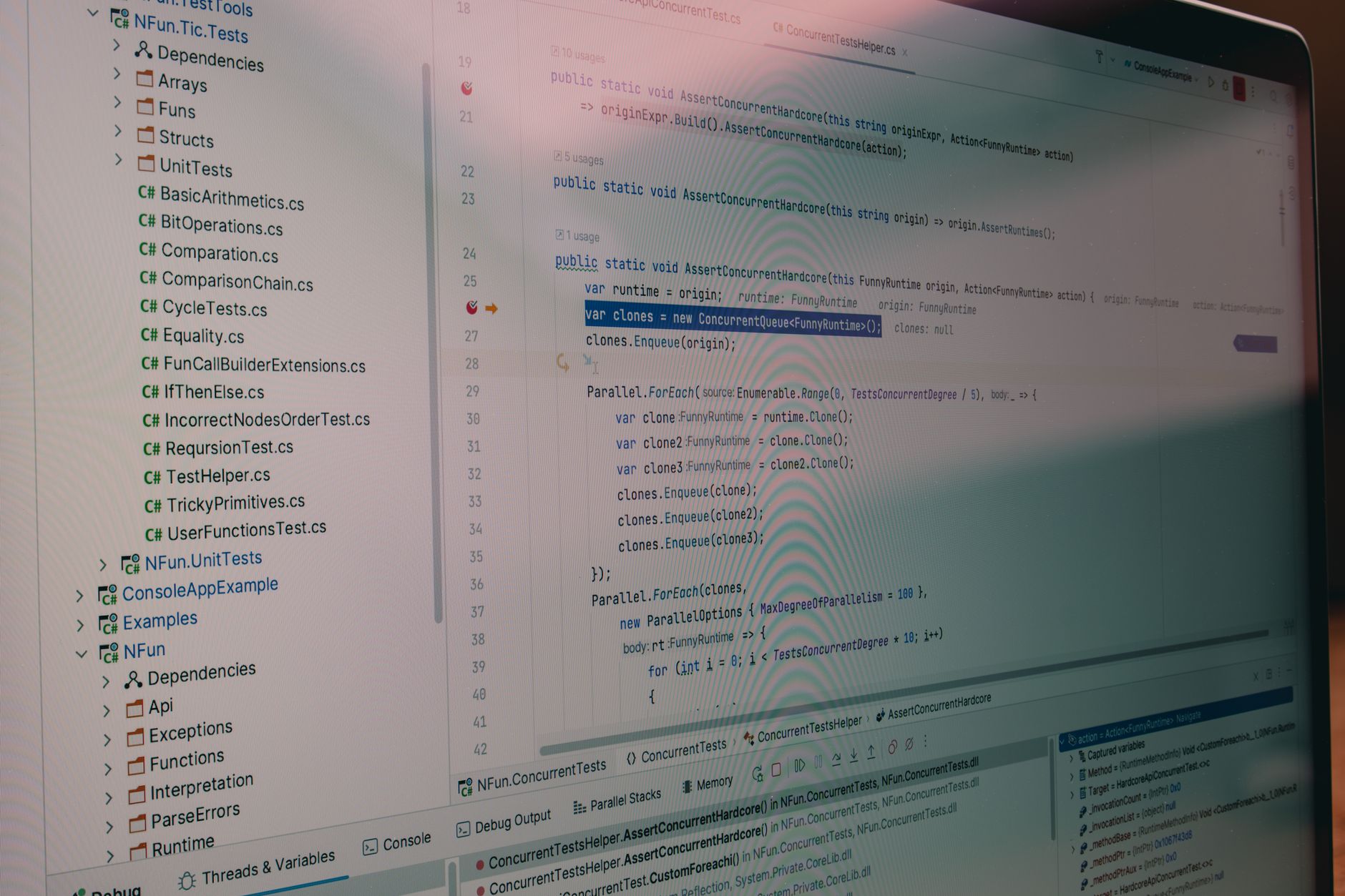
Previously in this course, we explored Database Testing Fundamentals, where we established how to verify persistence logic. This lesson adds a critical layer to that foundation: test data management.
Reliable tests don't just check code; they rely on predictable inputs. When your tests share global state or rely on "hardcoded" database rows, they become fragile. We will focus on generating test data dynamically, managing state transitions, and enforcing strict isolation.
The Problem with Static Test Data
In early development, it’s common to use a single test_users table populated with static rows. You write a test that expects the user "Alice" to have an ID of 1.
This approach fails as soon as you run tests in parallel or modify data. If Test A changes Alice’s email and Test B expects the original email, Test B will fail—not because your code is broken, but because your data management is flawed.
Principles of Effective Data Management
- Isolation: No test should depend on the side effects of another.
- Determinism: Given the same code, the test should always produce the same result.
- Minimalism: Only create the data required for the specific test scenario.
Generating Dynamic Test Data
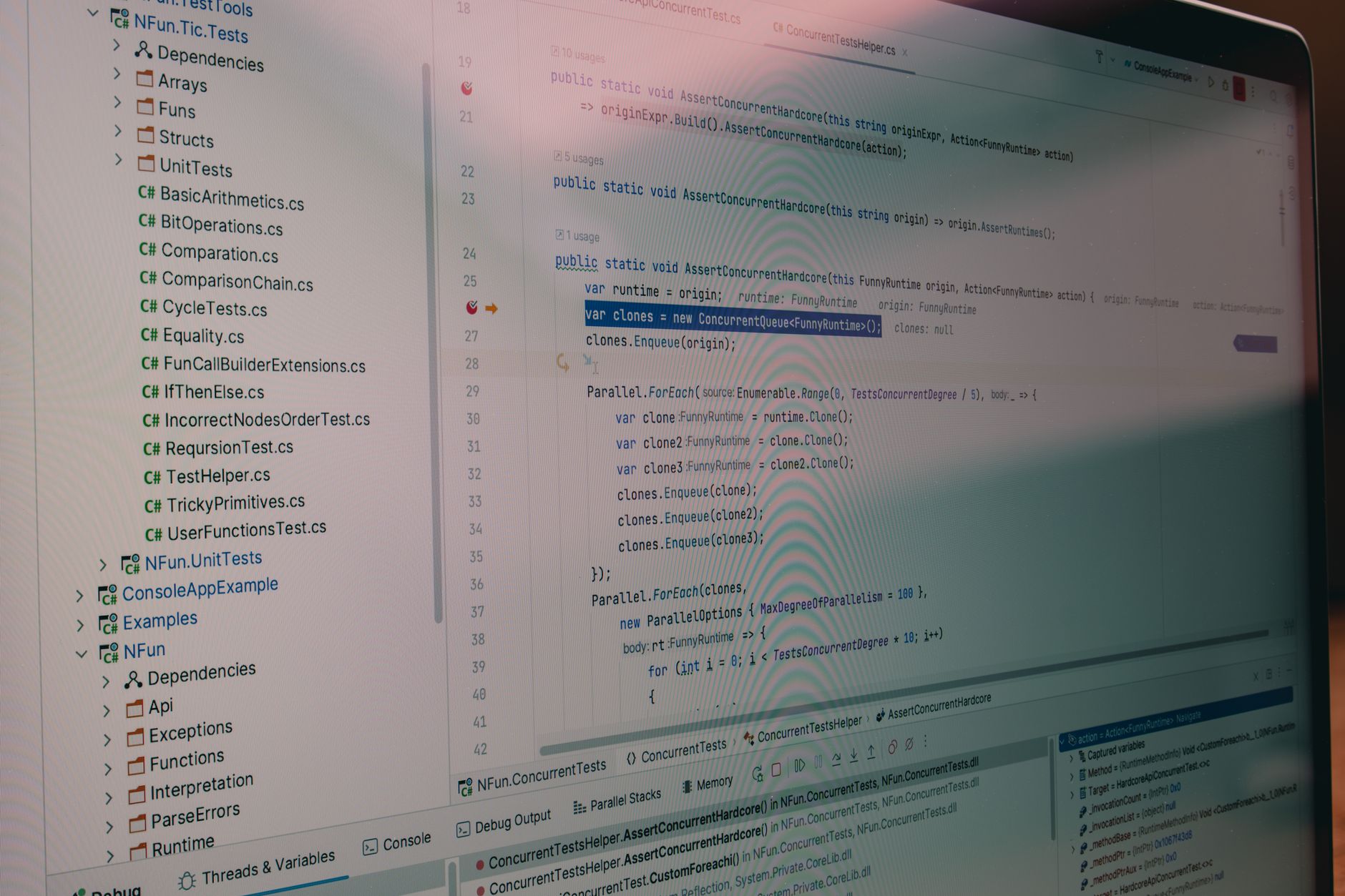
Instead of manually maintaining a database state, use Factories. A factory is a template that generates objects with valid data on the fly. If you're working in the Laravel ecosystem, you’ve likely seen Laravel Factories: A Beginner’s Guide to Dynamic Test Data. The concept remains universal regardless of the language.
Here is a simple example using a Python class approach:
PYTHONimport uuid

class UserFactory:
    @staticmethod
    def create(name=None, email=None):
        return {
            "id": uuid.uuid4(),
            "name": name or "Generic User",
            "email": email or f"user_{uuid.uuid4()}@example.com"
        }

# Usage in a test
def test_user_creation():
    user = UserFactory.create(name="Alice")
    assert user["name"] == "Alice"
    assert "user_" in user["email"]
By using uuid or random strings, we guarantee that every test run uses a unique identity, preventing collisions across parallel test executions.
Managing Test State and Isolation
To ensure isolation, you must clean up after your tests. The most robust pattern is the Setup-Teardown cycle.
| Strategy | Pros | Cons |
|---|---|---|
| Database Transactions | Extremely fast, auto-rollback | Doesn't work for multi-process tests |
| Database Truncation | Guaranteed fresh state | Slower due to DELETE operations |
| In-Memory Stores | Fastest, zero IO | Requires mocking persistent storage |
For most beginner projects, Database Transactions are the gold standard. You start a transaction before the test and roll it back immediately after, leaving the database exactly as you found it.
Hands-on Exercise: The Clean Slate
- Identify a test in your project that currently relies on a pre-populated database row.
- Create a "Factory" function (or class) that generates that record dynamically.
- Update your test setup to create this record at the start of the test and delete it (or roll back the transaction) at the end.
- Run the test twice in a row—if it passes both times without manual database intervention, you have achieved isolation.
Common Pitfalls

- Leaky State: Forgetting to clean up a global variable or a file on disk. Always use
tearDownorfinallyblocks. - Over-mocking: Trying to mock the database entirely. While Introduction to Mocking and Stubs is useful for units, integration tests should use real, isolated database instances.
- Data Dependencies: Writing tests that require "Test User 1" to exist. Always create your own users within the test scope.
FAQ
Q: Should I use production data for testing? A: Never. Production data is unpredictable, often contains PII (Personally Identifiable Information), and is a security risk. Use generated synthetic data.
Q: Is it okay to share factories? A: Yes. Shared factories ensure your test data looks and behaves like your production data models.
Recap

Effective test data management is the difference between a CI pipeline that is green 99% of the time and one that is constantly failing due to "ghost" issues. By generating data dynamically and enforcing isolation through transactions or cleanup hooks, you ensure your test suite remains a reliable indicator of system health.
Up next: We will apply these data management skills to the front end in UI Testing Foundations.
Work with me

AI Automation & Agentic Workflow Development
Automate the repetitive work eating your time — content pipelines, data workflows, and agentic AI tasks that run themselves.

React & Next.js Dashboard / Admin UI Development
A clean, data-rich dashboard UI in React or Next.js — charts, tables, and real-time data that your users will actually enjoy using.