Modifying Element Content: innerText vs. innerHTML
Learn how to use innerText and innerHTML for DOM manipulation. Discover how to dynamically update your web page content based on user logic.
Previously in this course, we covered Introduction to the DOM: Understanding the Browser Tree Structure and learned the essential skills for Mastering DOM Selection: getElementById vs querySelector. Now that you can locate any element in your HTML, it is time to change what the user actually sees.
In this lesson, we will explore how to inject, replace, and update content dynamically using two fundamental properties: innerText and innerHTML.
The Anatomy of Element Content
When you select an element in JavaScript, you get a "node." This node is a JavaScript object representing your HTML element. To change what is inside that element, we primarily use two properties:
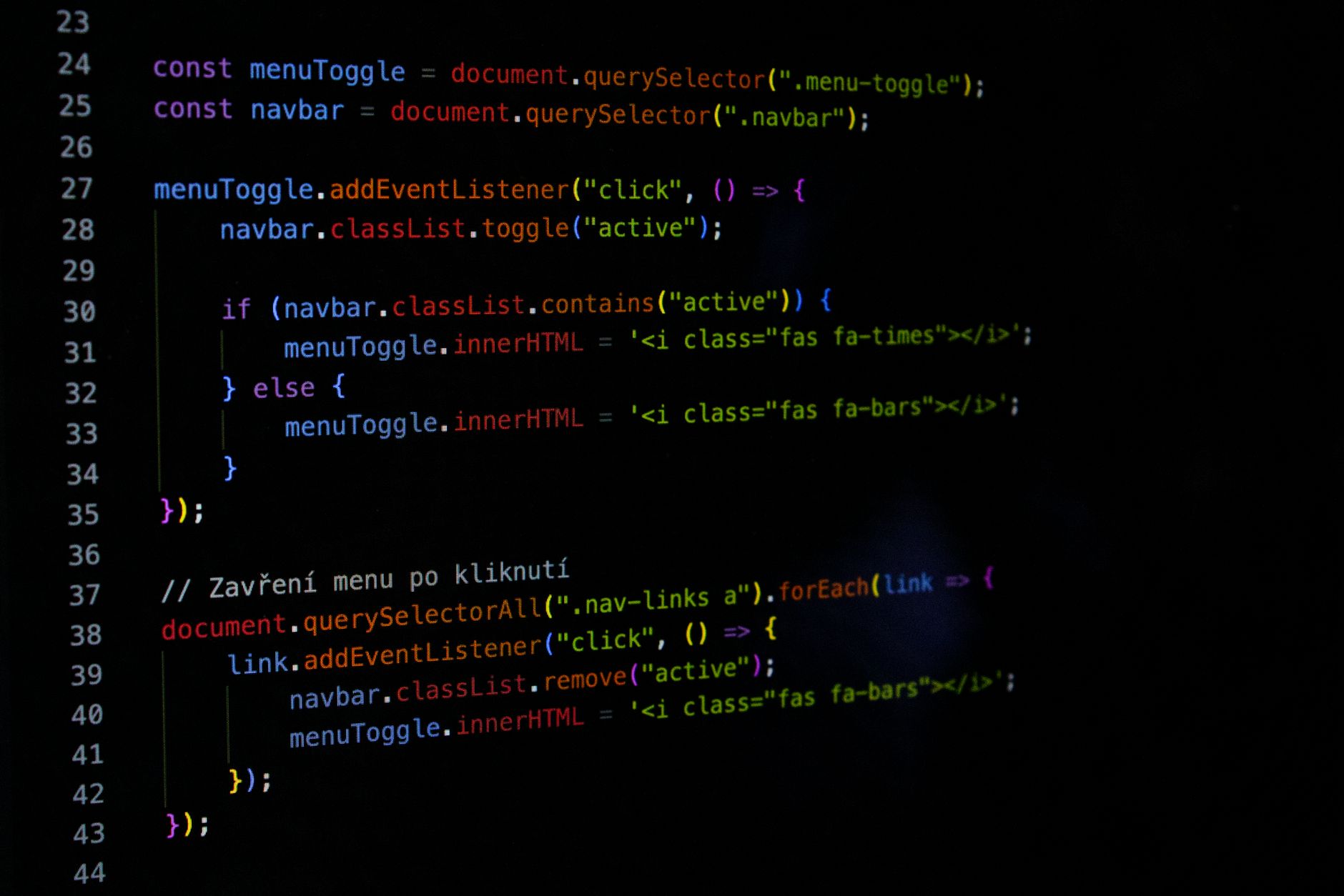
innerText: Retrieves or sets the text content of a node and its descendants. It respects CSS styling (likedisplay: none) and renders text as plain characters.innerHTML: Retrieves or sets the HTML markup contained within the element. This allows you to inject raw HTML tags, like<strong>or<span>, directly into the DOM.
Modifying innerText
Use innerText when you want to update simple labels, status messages, or data points where no formatting is required.
JAVASCRIPT// Select the element
const statusLabel = document.querySelector(CE9178">'#status');

// Update the text
statusLabel.innerText = CE9178">'System Online';
When you assign a string to innerText, the browser treats it as literal text. Even if you include HTML tags in the string, they will be displayed as text rather than rendered as elements.
Modifying innerHTML
Use innerHTML when you need to inject structure. For example, if you want to highlight a part of a sentence or create a list of items, innerHTML allows you to define that structure as a string.
JAVASCRIPTconst weatherWidget = document.querySelector(CE9178">'#weather-display');

// Injecting HTML structure
weatherWidget.innerHTML = CE9178">'<h2>Current Temp: <strong>72°F</strong></h2>';
Logical Content Updates
In a real-world application, you rarely just "hardcode" a string. You usually update content based on variables or logic. Let’s integrate this into our Running Project: a To-Do and Weather Dashboard.
Suppose we want to update the dashboard greeting based on the time of day:
JAVASCRIPTconst greetingElement = document.getElementById(CE9178">'greeting');
const currentHour = new Date().getHours();

if (currentHour < 12) {
    greetingElement.innerText = CE9178">'Good Morning!';
} else if (currentHour < 18) {
    greetingElement.innerText = CE9178">'Good Afternoon!';
} else {
    greetingElement.innerText = CE9178">'Good Evening!';
}
Hands-on Exercise

Open your project's index.html file and ensure you have a div with an ID of dashboard-info. In your script.js, write a function called updateDashboardStatus that:
- Accepts a boolean parameter
isTasksEmpty. - If
isTasksEmptyis true, useinnerHTMLto set the content to<p>No tasks left! <em>Enjoy your day.</em></p>. - If
isTasksEmptyis false, useinnerTextto set the content to "You have pending tasks to complete."
Common Pitfalls
- Security Risks with innerHTML: Never pass user-provided input directly into
innerHTML. If a user inputs<img src=x onerror=alert('Hacked')>, and you render that viainnerHTML, you have created a Cross-Site Scripting (XSS) vulnerability. Always useinnerTextfor user-generated content. - Performance Overkill: Replacing
innerHTMLcauses the browser to re-parse all the HTML inside that element. If you are updating a single word,innerTextis much faster and cleaner. - Mixing Properties: Remember that
innerTextwill strip out any HTML tags if you try to read the content back. If you setelement.innerHTML = '<b>Hi</b>', accessingelement.innerTextwill return just "Hi" without the bold formatting.
FAQ
When should I use textContent instead of innerText?
textContent is generally preferred for performance because it doesn't trigger a layout recalculation (unlike innerText). However, innerText is often more intuitive for beginners because it respects the visibility of text as seen on the screen.
Can I use innerHTML to add a new task to my list?
Yes, but you will learn in later lessons that building elements using document.createElement is more robust and secure. Use innerHTML for simple layout updates for now.
Recap

We have moved from selecting elements to actively controlling them. By understanding the difference between innerText (plain text) and innerHTML (rendered structure), you can now drive the visual state of your dashboard. Always favor innerText for safety, and keep your innerHTML usage limited to controlled, non-user-provided strings.
Up next: Changing Styles via JS — where we will learn how to manipulate CSS classes and inline styles to make our UI truly dynamic.
Work with me

Headless WordPress + Next.js Frontend Development
Keep WordPress for content, get a lightning-fast Next.js frontend. The best of both worlds — familiar editing, modern speed.

Next.js Full-Stack Web App Development
A fast, SEO-ready full-stack web app built with Next.js 16 — from idea to deployed product, by an engineer who ships to production.