Polishing the User Experience: Feedback and CSS Transitions
Learn to add professional UX touches to your dashboard. Implement loading spinners, success notifications, and CSS transitions for a seamless interface.
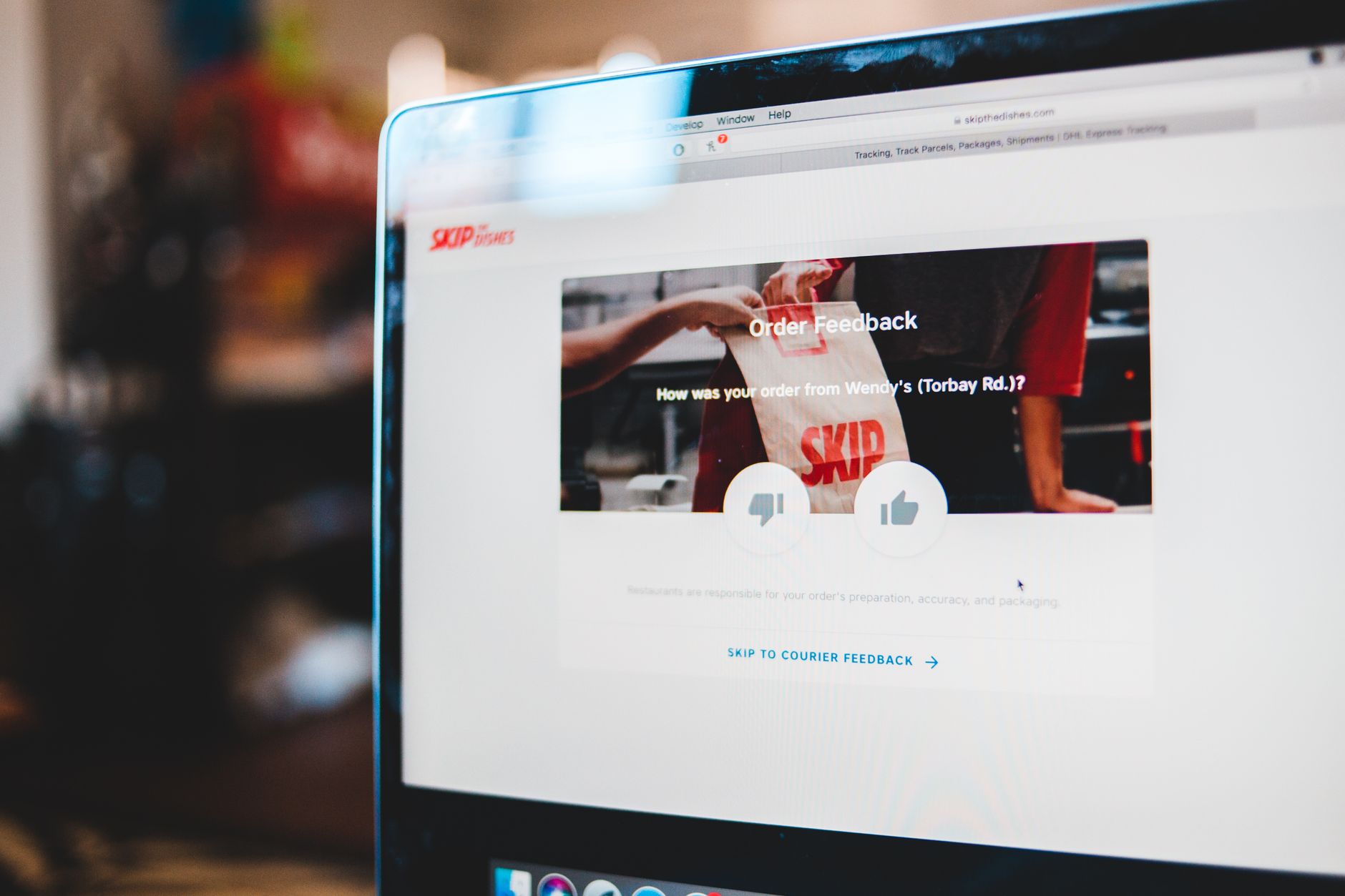
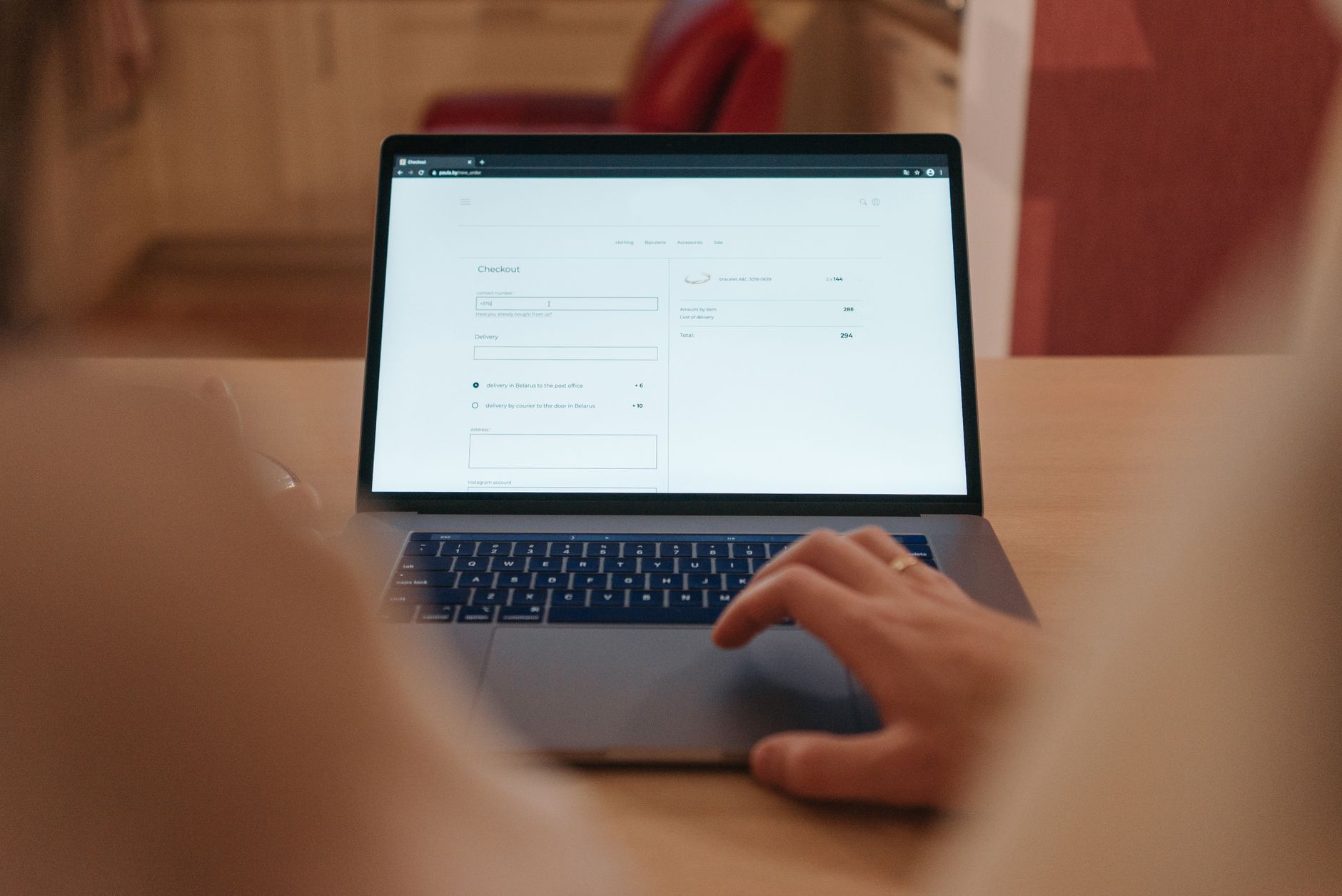
Previously in this course, we built dynamic weather updates and handled complex asynchronous logic. While our dashboard is functional, it currently feels a bit "raw." When a user clicks "Fetch Weather," the UI stays static until the data appears. In this lesson, we'll transform that experience by adding visual feedback, ensuring users know exactly what's happening at every step.
Why UX Feedback Matters
A great user experience (UX) is about clear communication. If your app is doing something—like fetching weather data or saving a to-do item—the user needs to know. Without feedback, users might click buttons repeatedly, thinking the app is broken.
We will focus on three key areas:
- Loading States: Using spinners to indicate pending work.
- Notification Systems: Providing clear success or error messages.
- CSS Transitions: Smoothing out visual state changes.
Implementing a Loading Spinner
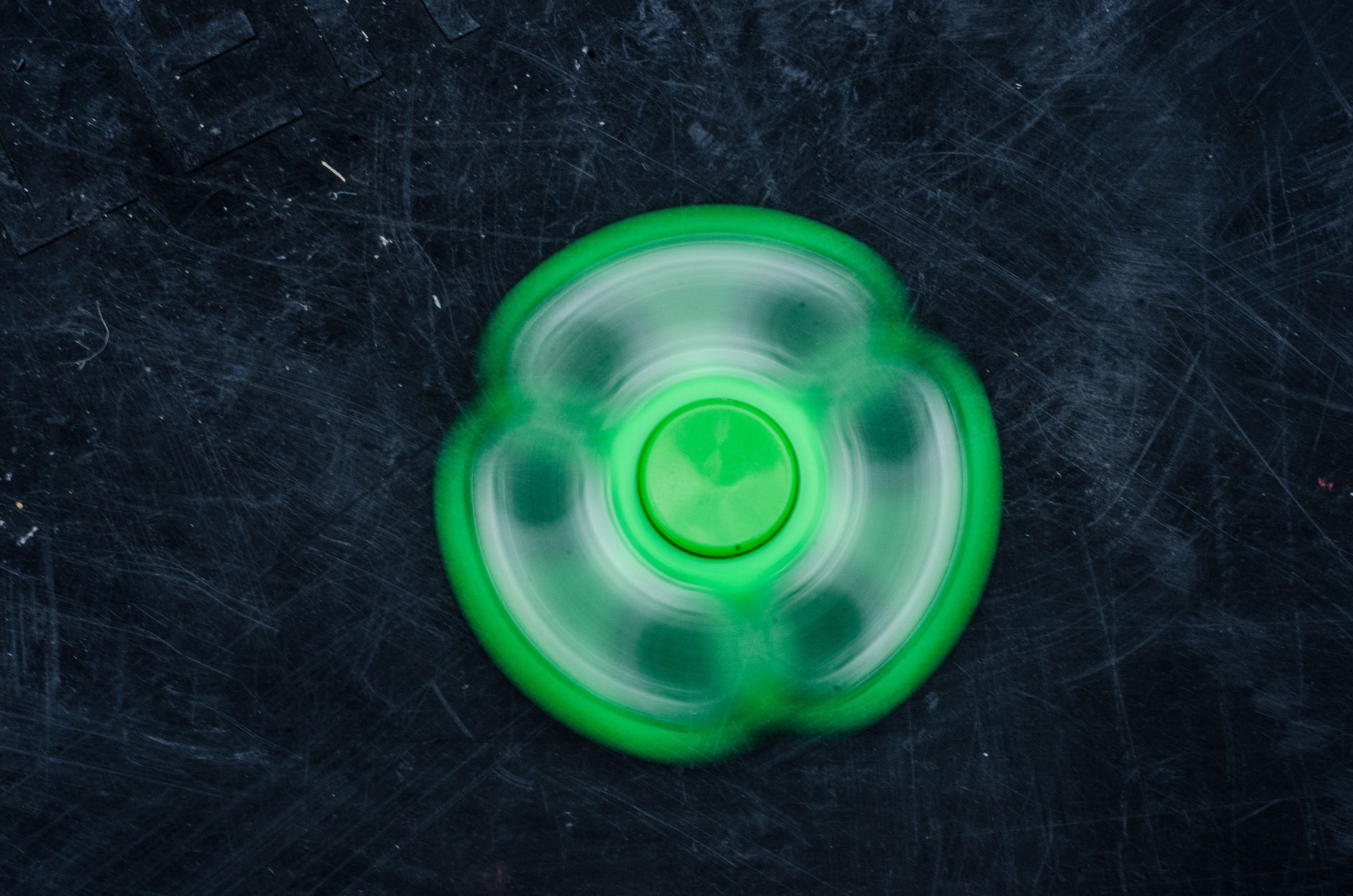
First, let's create a visual indicator. In your HTML, add a hidden spinner element inside your weather container.
HTML<!-- The spinner is hidden by default -->
style="color:#808080"><style="color:#4EC9B0">div id="weather-spinner" class="hidden">Loading...style="color:#808080"></style="color:#4EC9B0">div>
In your CSS, use display: none or a class to toggle visibility. To make it smooth, leverage CSS transitions by fading it in.
CSS#9CDCFE">color:#4EC9B0">.hidden { #9CDCFE">display: none; }
#9CDCFE">color:#4EC9B0">.spinner {
  #9CDCFE">opacity: 0;
  #9CDCFE">transition: opacity 0.3s ease-in-out;
}
.spinner#9CDCFE">color:#4EC9B0">.visible {
  #9CDCFE">display: block;
  #9CDCFE">opacity: 1;
}
In your JavaScript fetch logic (covered in mastering-async-and-await-in-modern-javascript), you can now toggle these classes:
JAVASCRIPTconst spinner = document.getElementById(CE9178">'weather-spinner');

async function updateWeather() {
  spinner.classList.add(CE9178">'visible'); // Show
  try {
    await fetchWeatherData();
  } finally {
    spinner.classList.remove(CE9178">'visible'); // Hide regardless of outcome
  }
}
Adding Success and Error Notifications
Users shouldn't have to guess if their action succeeded. We'll create a "Toast" notification system. Create a container in your HTML that sits at the top of your page: <div id="notification-area"></div>.
Then, create a helper function to inject these messages:
JAVASCRIPTfunction showNotification(message, type = CE9178">'success') {
  const area = document.getElementById(CE9178">'notification-area');
  const div = document.createElement(CE9178">'div');
  div.className = CE9178">`notification ${type}`;
  div.innerText = message;

  area.appendChild(div);

  // Remove after 3 seconds
  setTimeout(() => div.remove(), 3000);
}
This keeps your code modular—you can call showNotification("Weather updated!", "success") or showNotification("Failed to load.", "error") from anywhere in your app.
Smoothing Interactions with CSS Transitions
When your elements appear or disappear, jumps in the layout can be jarring. By using Transitions and Animations: Adding Fluid Motion in Tailwind CSS or standard CSS, we can make the dashboard feel alive.
| Interaction | Technique | Benefit |
|---|---|---|
| Loading | Fade in/out | Removes layout "stutter" |
| Success/Error | Slide in | Signals new information clearly |
| Button Click | Transform: scale(0.98) | Confirms "physical" interaction |
Hands-on Exercise

- Add a
<span>or an SVG icon to your existing "Add Task" button. - Update your
addTaskfunction to temporarily disable the button and show a "Saving..." text while the data is processing. - After the task is added, show a success notification for 2 seconds.
Common Pitfalls
- Blocking the UI: Never forget to remove your loading state in a
finallyblock. If a network request fails, you don't want the spinner to be stuck on the screen forever. - Over-animating: Too many animations can make an app feel sluggish. Stick to subtle transitions (0.2s–0.3s) for the best balance.
- Accessibility: Always ensure that notification text is readable. If you use color to signal success (green) or error (red), add an icon or text label so colorblind users aren't left behind.
FAQ
Q: Can I use library-based toast notifications?
A: Absolutely. While building your own is great for learning, libraries like Toastify are standard in production for more complex requirements.
Q: Why do I need finally?
A: It ensures your loading spinner disappears whether the fetch succeeds or throws an error. It's the cleanest way to manage cleanup.
Recap
We've moved from basic DOM manipulation to professional UI patterns. By using loading spinners, notification toasts, and smooth transitions, your dashboard now provides the constant feedback necessary for a high-quality user experience.
Up next: We'll dive into refactoring your code for better scalability and organization.
Work with me

Next.js Full-Stack Web App Development
A fast, SEO-ready full-stack web app built with Next.js 16 — from idea to deployed product, by an engineer who ships to production.

Next.js Website & Landing Page Development
A blazing-fast, SEO-optimized website or landing page in Next.js — the kind that loads instantly and ranks. Design-to-code, done right.